As my migrator is quite well functioning, and I have gotten blogpost in by:
Add them as a page
Apply object properties.
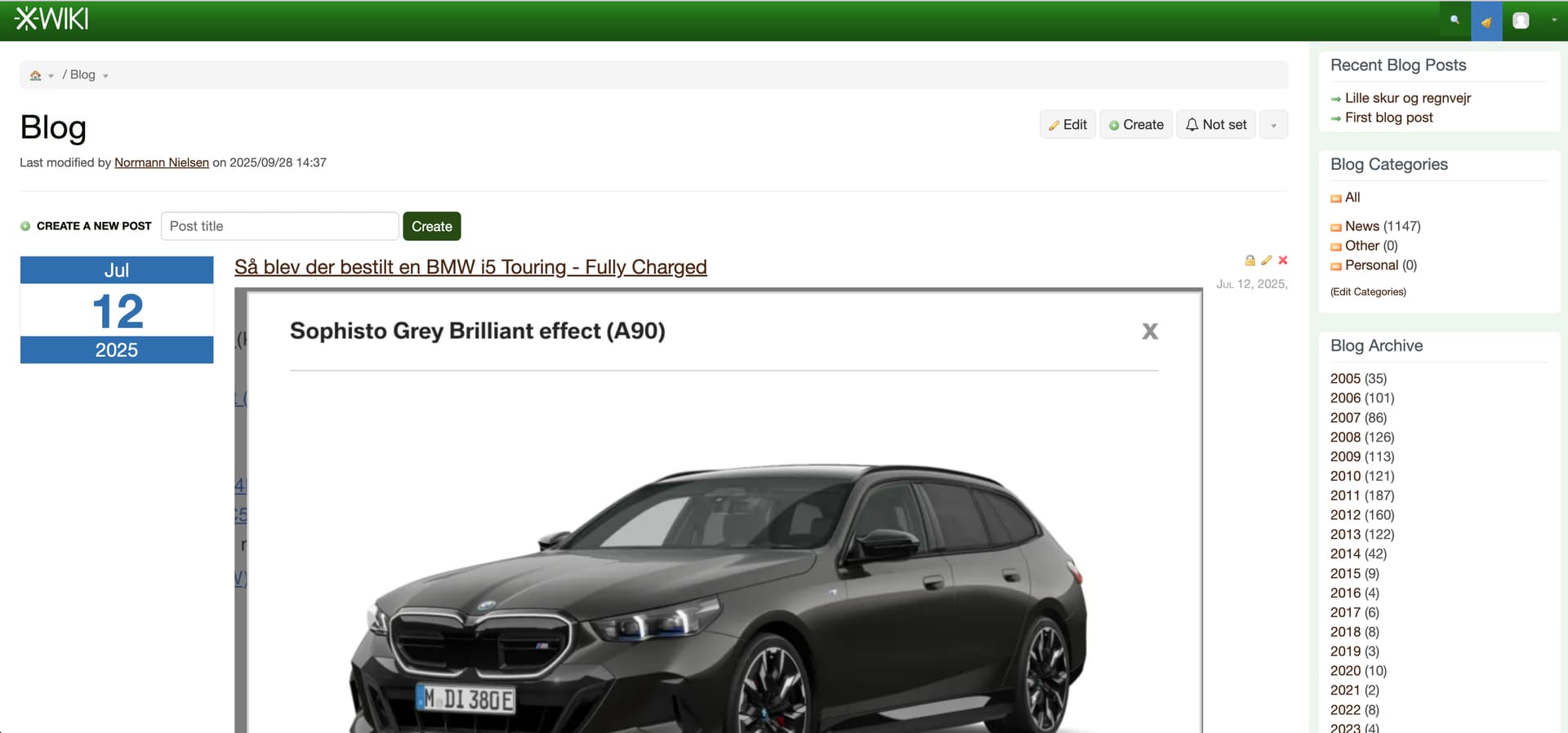
Someting is missing - as they are only visible in the Blog application for me (the user that created them) - I see all correctly:
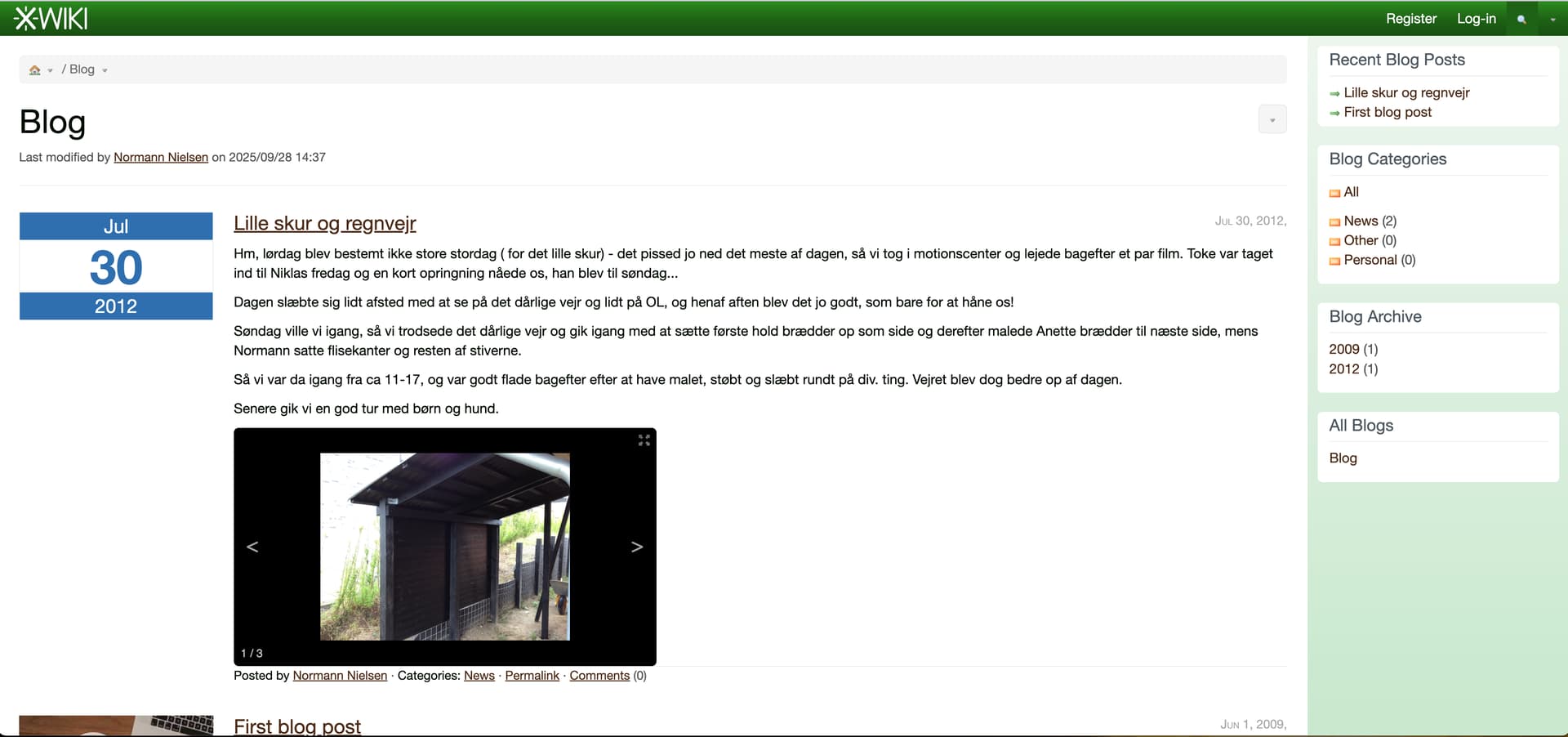
For an anomynous user they are not visible here:
Unless I have edited them.
So - what is missing for the anomynous user to see them in the Blog App?
vmassol
September 30, 2025, 1:03pm
2
Hello. Are you sure that you’ve published the blog post?
PS: The doc at https://extensions.xwiki.org/xwiki/bin/view/Extension/Blog%20Application#HDescription is not very good and seems to be missing a description of the publish feature.
mleduc
September 30, 2025, 1:05pm
3
If at some point you edited the same blog post with several users before publication, you might also experience BLOG-172 .
To see if you are impacted, check if there is some leftover right XObjects in the blog post page.
What Is do is:
Create the page
Post
<object xmlns="http://www.xwiki.org"><className>Blog.BlogPostClass</className><property name="publishDate"><value>10/10/2025 12:10:02.000</value></property><property name="published"><value>1</value></property></object>
and the page becomes a Blog Post:
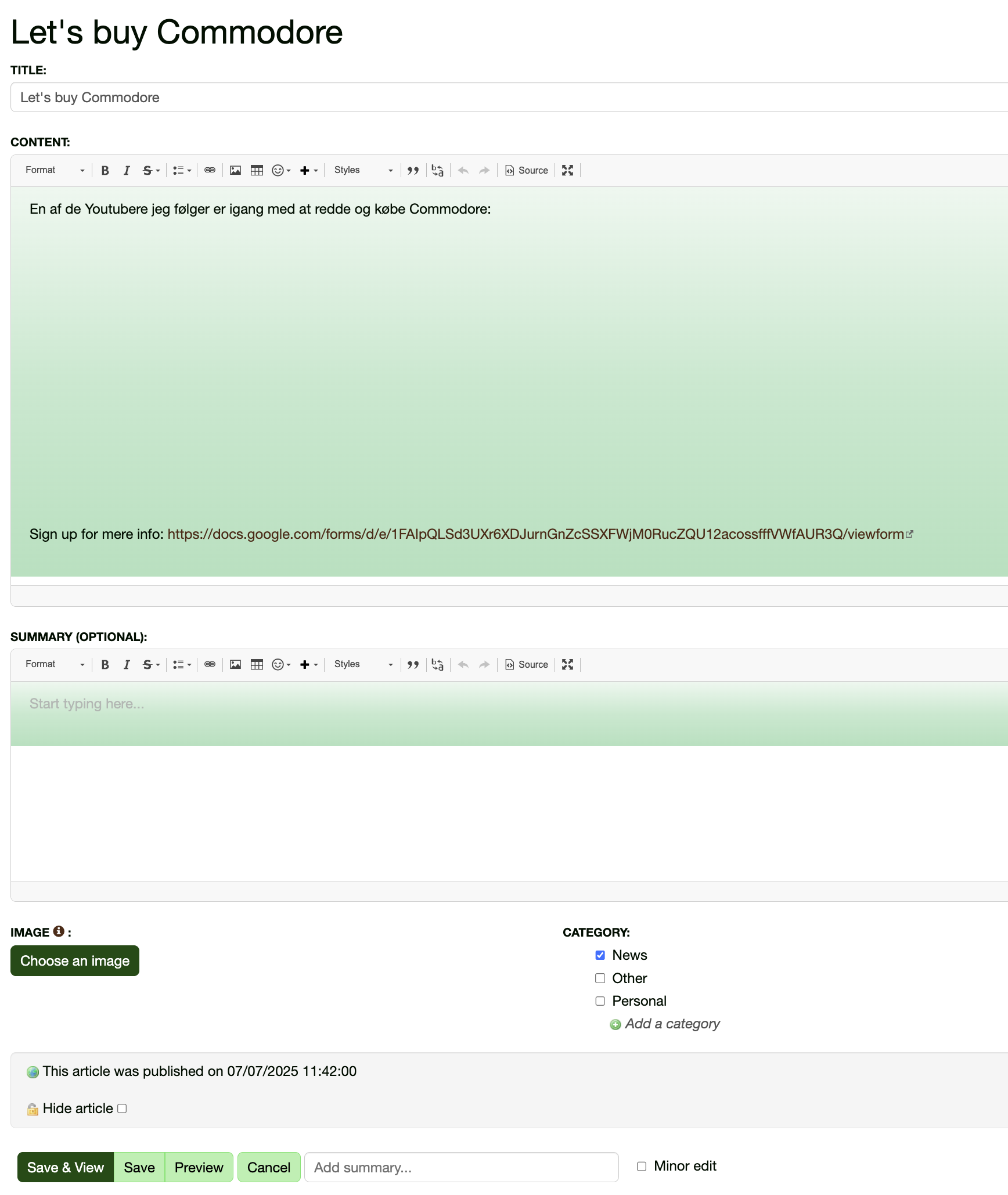
with:
This article was published on 07/07/2025 11:42:00
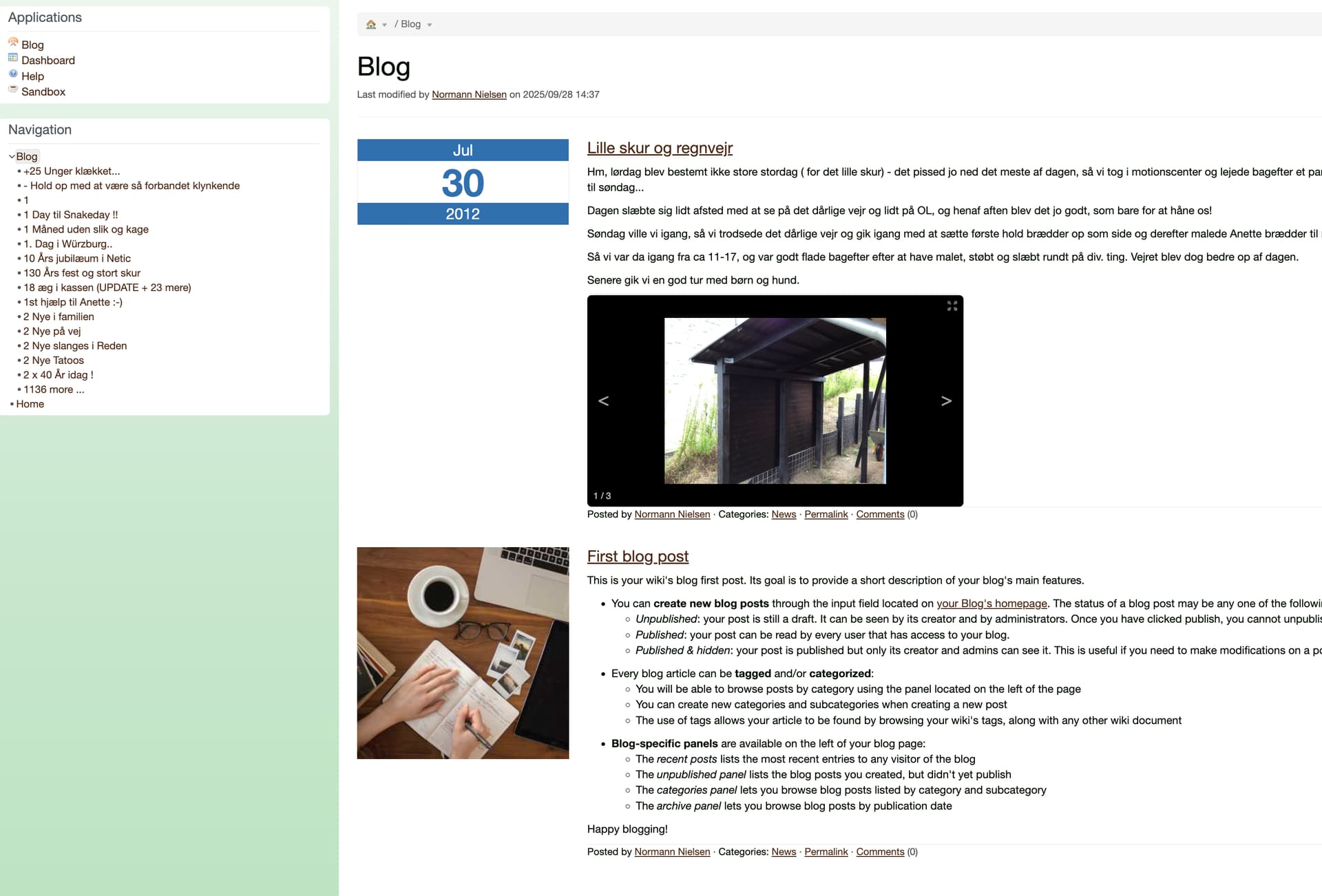
Afterwards, its visible in the Navigation - Blog here for anonymous users:
But not under Applications - Blog. When I login (the user that created the Blog via REST) - its visible in Applications - Blog
Making a terminal page gives the same as a non terminal
@mouhb - Can UYou help med out here?
No one? I am stucked…. @mouhb
Do you create the blog post document as hidden at the beginning, before publishing it?Display hidden pages option enabled in user profile) and the unregistered users cannot see the hidden pages.published property of BlogPostClass to yes and removing the document hidden check.
Hi @acotiuga
I first create a page (a "normal” page) and then add Blog attributes.. I have tried with both terminal and non-ternimal pages.
I have found no other ways to create a blogpost during my internet search and chatGPT assistance….
If you edit the blog post in wiki mode and look at the Hidden page in the right panel, is it checked?
@acotiuga
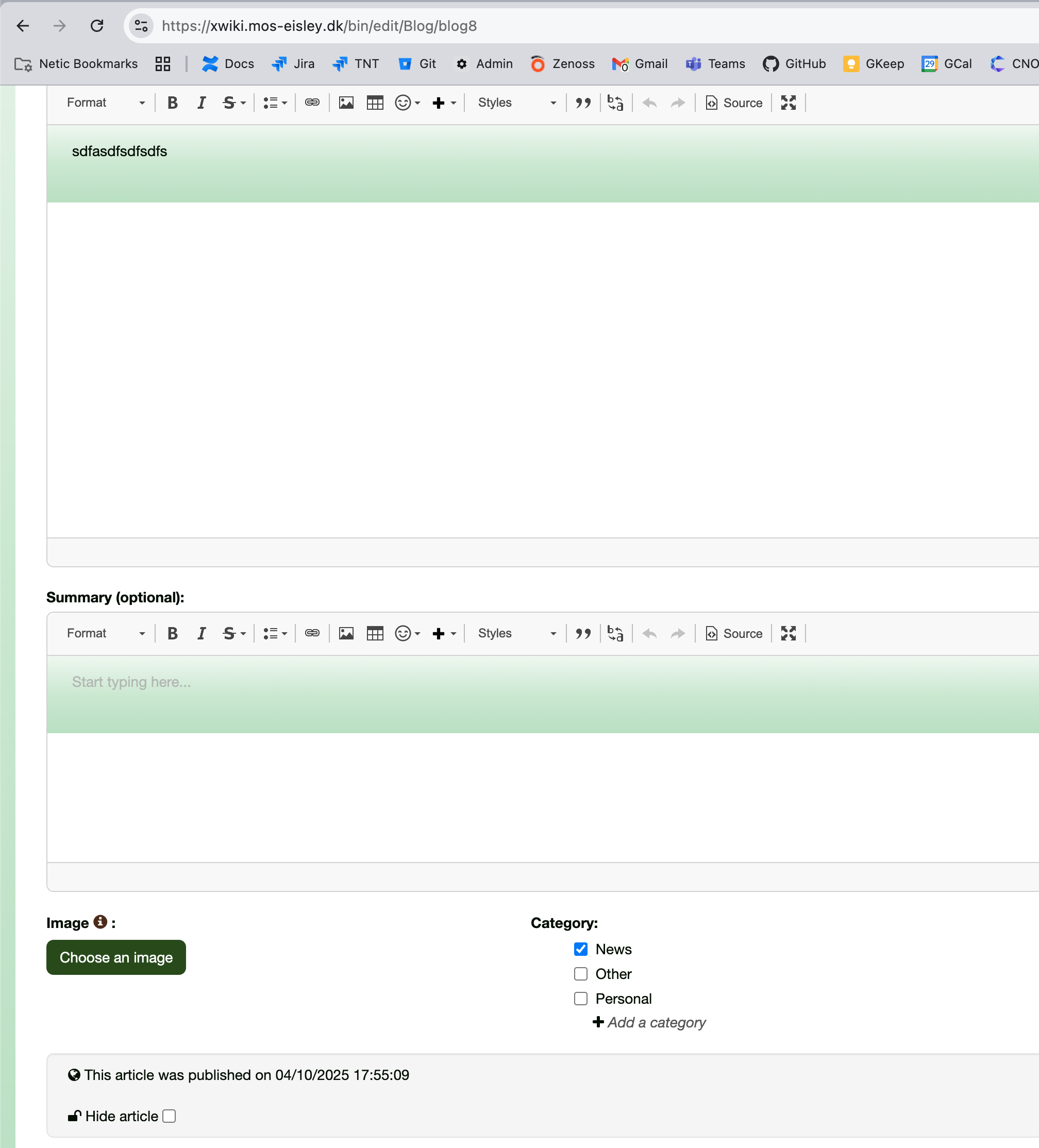
This is an UI created post:
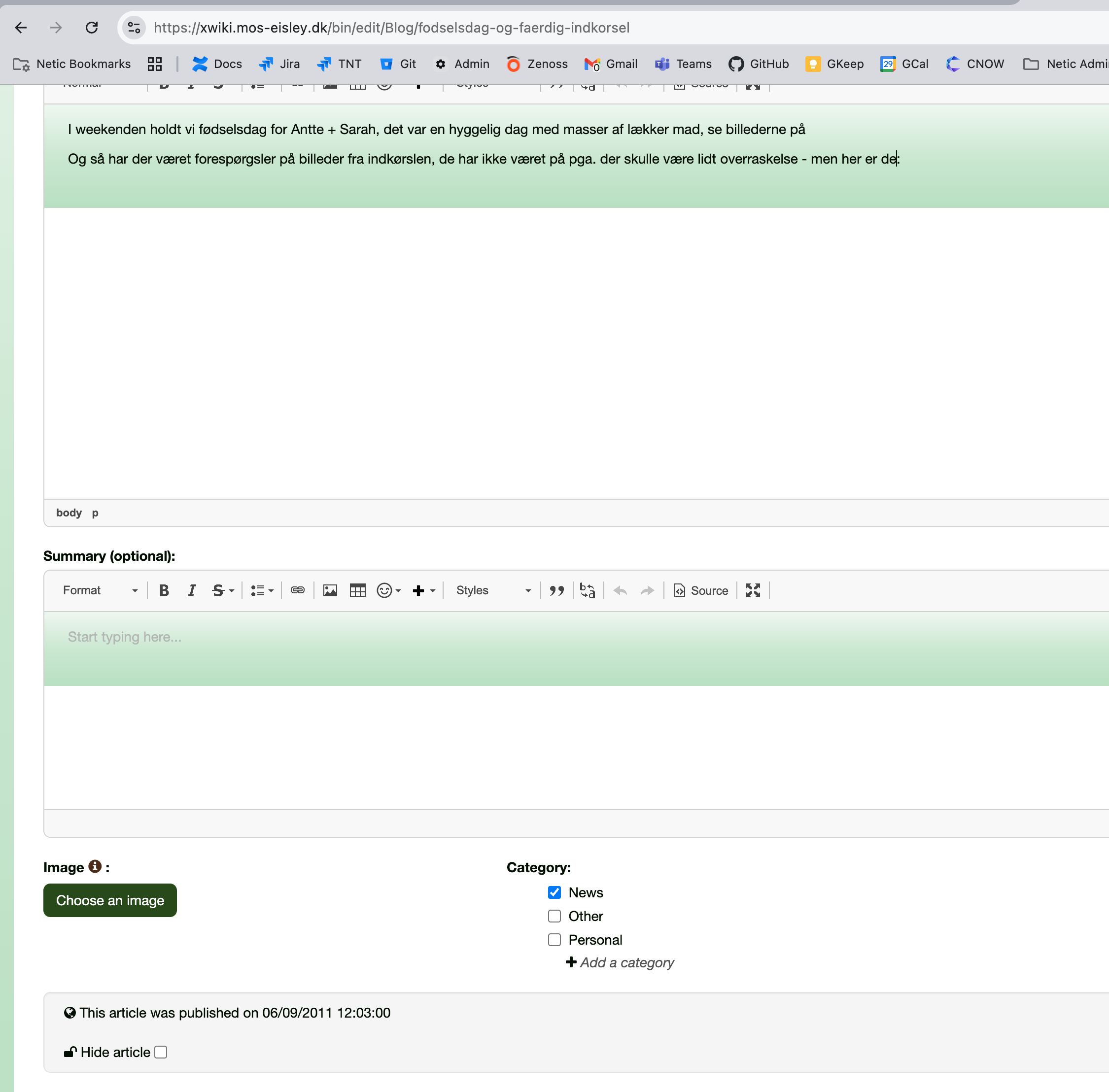
This is a script created:
as You can see, for the script created a published date is set and its not hidden.
And both can be seen as REST XML (without logging in)
If I edit a Blog post created by script, it becomes visible in the Blog Post Application:
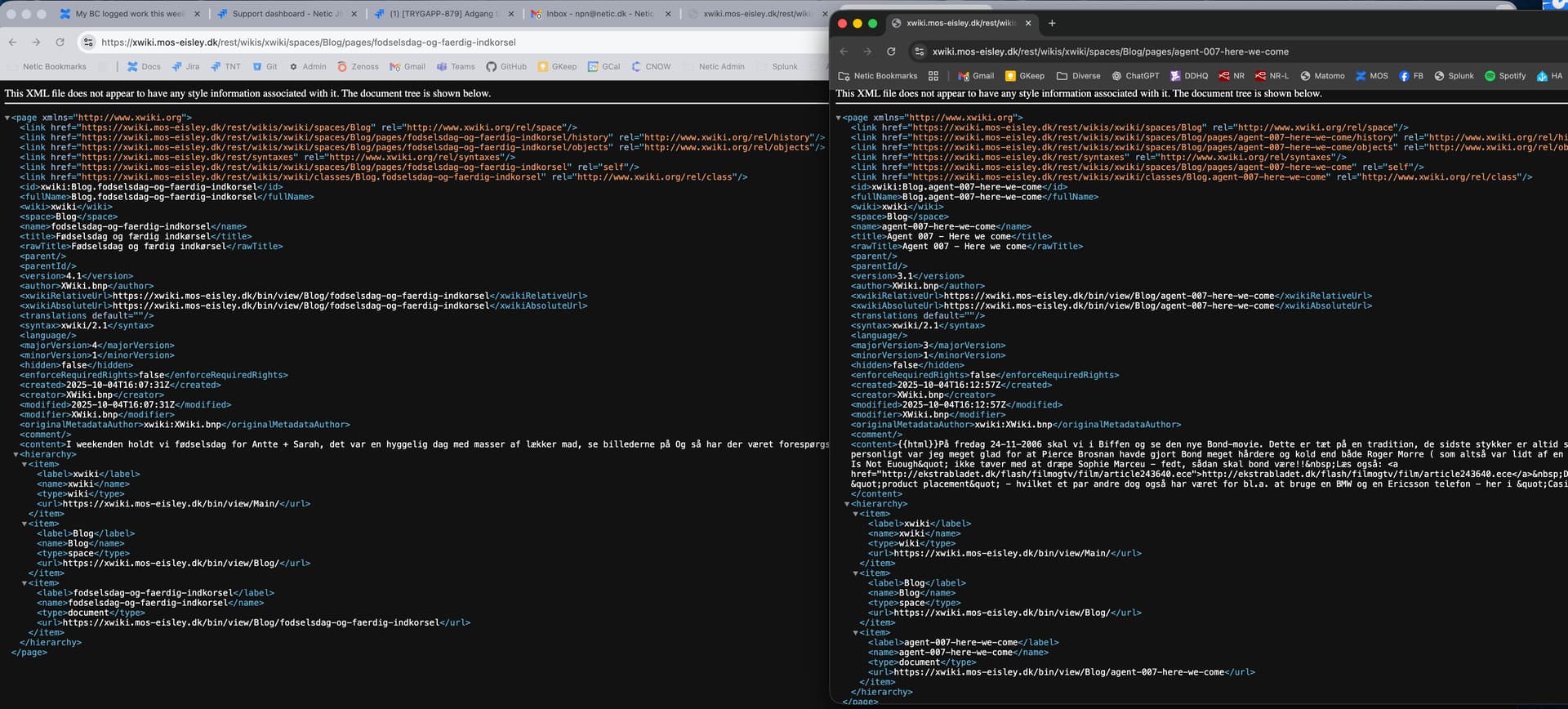
@acotiuga Here are a script created at left and a script created and edited at right:
Thanks to @acotiuga for a little google meet assistance,
All that was needed was to add:
<property name="hidden"><value>0</value></property>
to the objcets update. And I learned a little debugging of objects via REST.