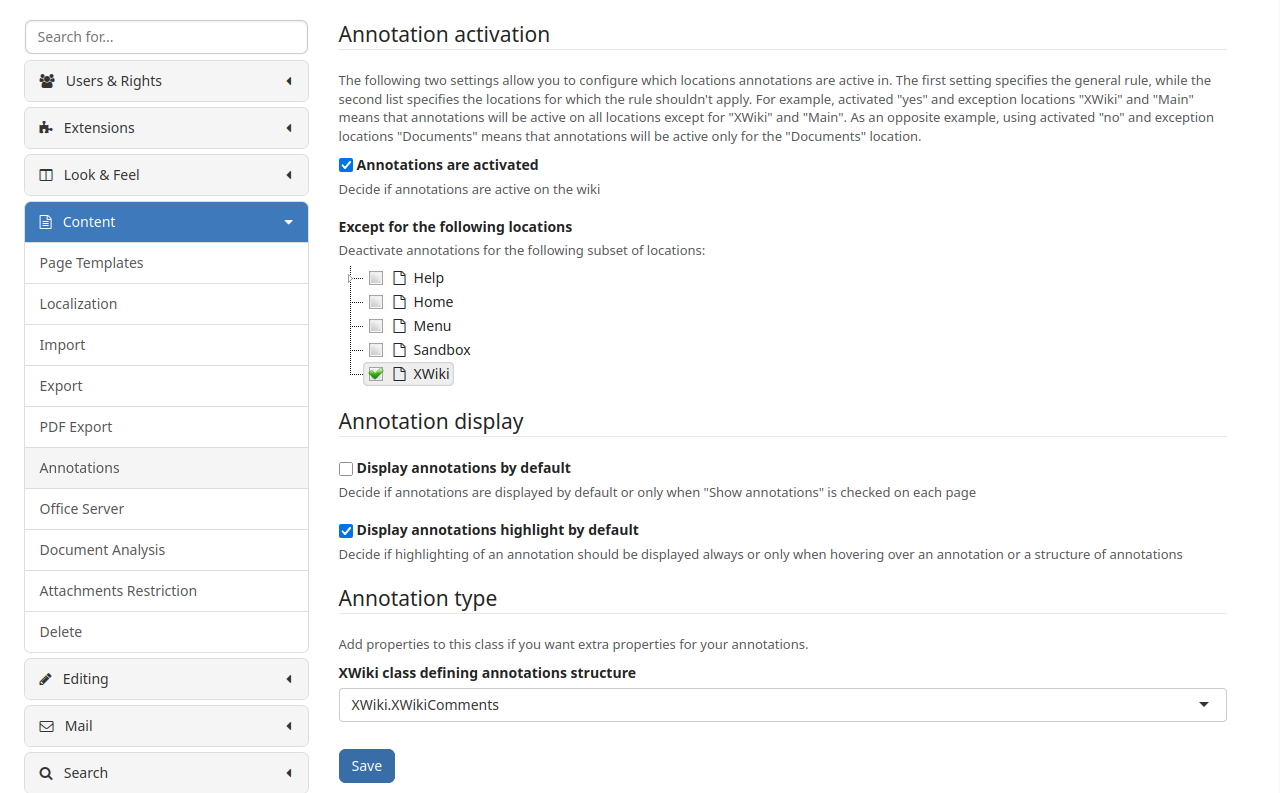
I found out that you can still annotate there by using the keyboard shortcut Ctrl+M. Users still need the permission to comment in the first place (you cannot annotate due to a server error otherwise), but this right is ALLOW by default for users. This seems like a bug that can be used to circumvent this disabled feature.
Depends what’s your desire expectation to visually disable such elements from XWiki UI, if so you can use official guides.
For likes, see this Administer the Like Preferences. Note this You can disable it by unchecking the “Always Display Like Button” checkbox, so only users with Like right will see it.
With a page reload and cache clear, I could not reproduce it on my end. Pressing Ctrl+M only mutes the page once the annotation setting is off ^^’
My guess is that the cache needs to be cleared (on Firefox, reload without cache with Ctrl+Shift+R). We could report it as a bug but it’s probably been already reported as a more generic bug with all the admin settings.
You’re right, reloading without cache fixes it. Does that mean there is no server-side validation? When the annotation feature is cached, I can annotate successfully.
AFAIK this feature is handled in some javascript that’s only ran client-side. The script queries info from the server but can rely on cache to improve load times