Hi
Is it possible to force the content to appear on a new page in exported PDF ?
Hi,
Yes, you just have to use standard CSS. See break-before - CSS: Cascading Style Sheets | MDN or break-after - CSS: Cascading Style Sheets | MDN for instance. The only limitation is that in-line style won’t work, so you have to use a CSS class:
Text on first page.

(% class="break-before-page" %)
Text on second page.
and define the CSS class somewhere in the skin, or in the color theme, or in a SSX or even in a custom PDF template like this:
.break-before-page {
  break-before: page;
}
Hope this helps,
Marius
A bit late on this one, but I wanted to add page break too, using SSX.
The solution proposed by mflorea worked for me after I added this at the top of the Source page:
{{velocity}}
#set ($discard=$xwiki.ssx.use('<here_the_name_of_your_SSX>'))
{{/velocity}}
Hope that helps.
Hi.
Years later, though, I’m now stuck on this issue.
I’m currently trying to configure the PDF export so that a page break is inserted after every subpage.
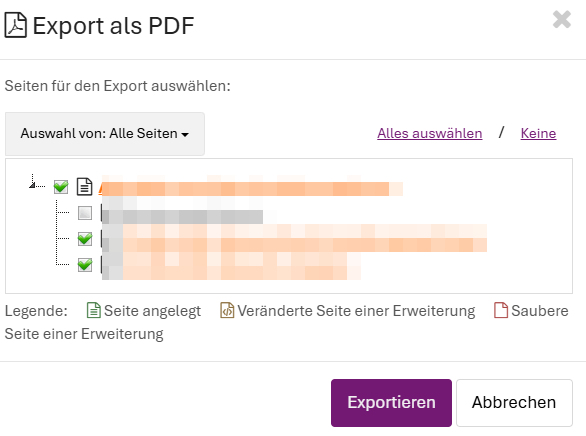
- Where EXACTLY do I need to enter which values?
- Am I correct in assuming that these are entries in the PDF template?
- Do I need to enter
on every page that’s supposed to be exported?
Thanks, and have a great weekend.
Roland