Hi everyone!
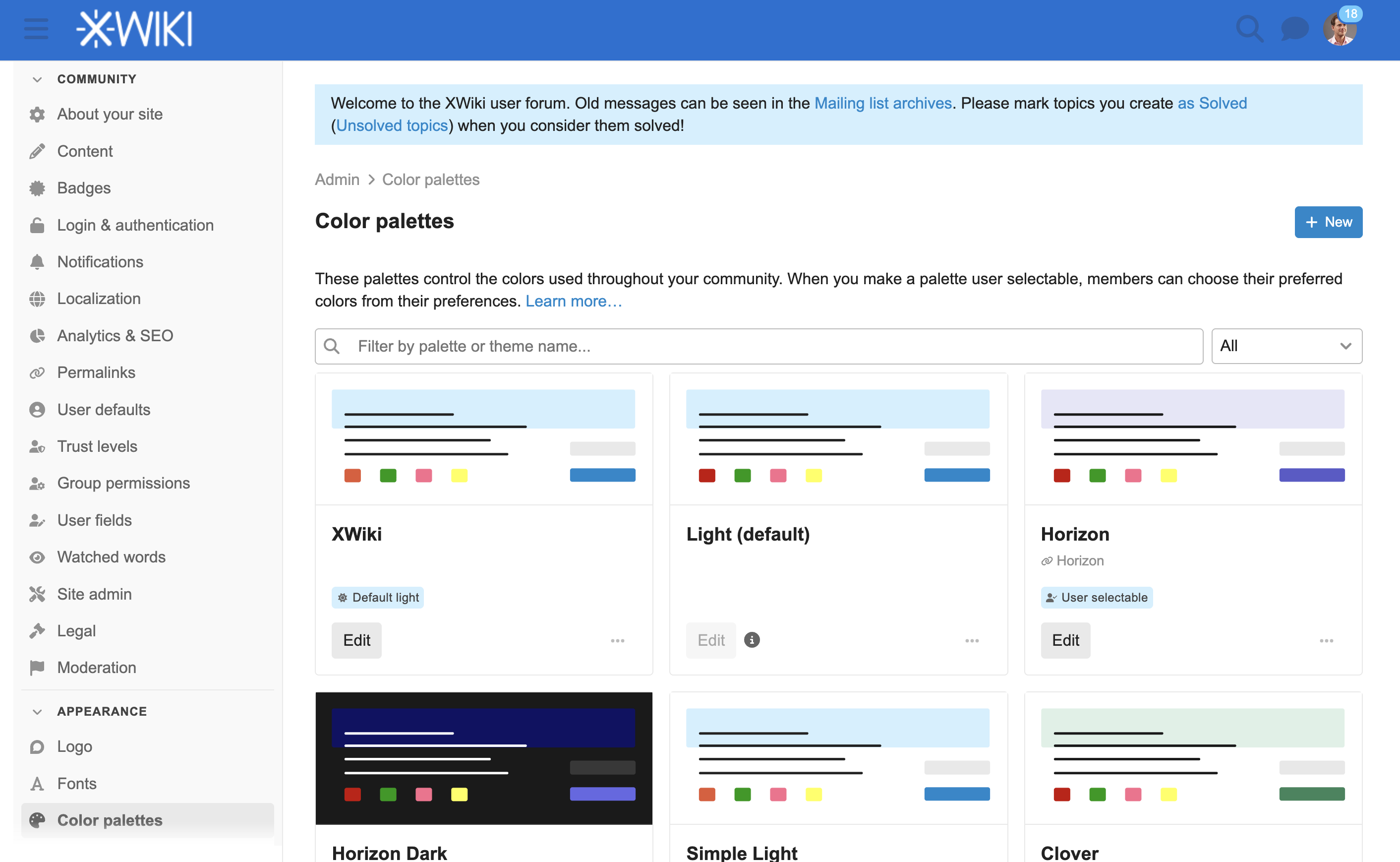
I’m new to XWiki and to this forum too. I was wondering “Where is the search bar“ and it took me some time to find the magnifier icon 
I suggest more contrast on this icon.
Thank you!

Hi everyone!
I’m new to XWiki and to this forum too. I was wondering “Where is the search bar“ and it took me some time to find the magnifier icon
I suggest more contrast on this icon.
Thank you!
Hello!
That’s a good point! This forum uses discourse.
@tmortagne (the atmoderators needs special permissions) do you know where we can look to update this instance’s styles?
I dug a bit in the styles:
--header_background with a current value of #0871d4. I assume we don’t want to change it.--d-header-icon-color which inherits from --header_primary-low-mid with a current value of rgb(30.8536869758, 95.9697869123, 173.5625247569) (equivalent to #1f60ae). We want to change it. The only way to change the contrast in a meaningful manner is to reduce its lightness. Giving it the value #0d2747 would achieve a contrast of 3.0 that is enough to respect the WCAG contrast requirement at level AA for large text.It would look like that:

If we agree on the change, it should be the matter of one line of CSS.
P.S. If we want to achieve an even better contrast than the minimal solution proposed above, we’d need to update the header background color too.
oh, I thought the question was about XWiki
Re this forum we’ve not customized it AFAIK (we’re using the default colors and theme), so I’m not sure we should do anything (I’d be -0 to -1 to change anything as it’s more work and we want to benefit from improvements from discourse in the future and not have to do any merge).
If there’s an accessibility issue on discourse, it should be raised to discourse IMO.
Thanks
From https://github.com/discourse/discourse/blob/8b03a42cd76b7fee2466eb5c825a74b4a2303f2a/app/assets/stylesheets/common/foundation/color_transformations.scss#L27 it seems like this is a problem that could arise for all the color palettes.
I dug a bit more into how they do contrast in general, and it seems like they rely on specific palettes:
It’s a bit different to how we did things in XWiki where we assumed the base palette (Iceberg colortheme) should be the reference for our accessibility.
I doubt opening a topic on their forum would end up in a change, from their doc, it seems like they expect users who care about accessibility to use their WCAG palettes.
From https://github.com/search?q=repo%3Adiscourse%2Fdiscourse+WCAG+Light&type=code it seems like there’s a few palettes that should be WCAG compliant. Maybe we can switch to one of those for our default palette?
Yup, tested this in my inspector and it seems way better!