Simpel
September 26, 2025, 10:30pm
1
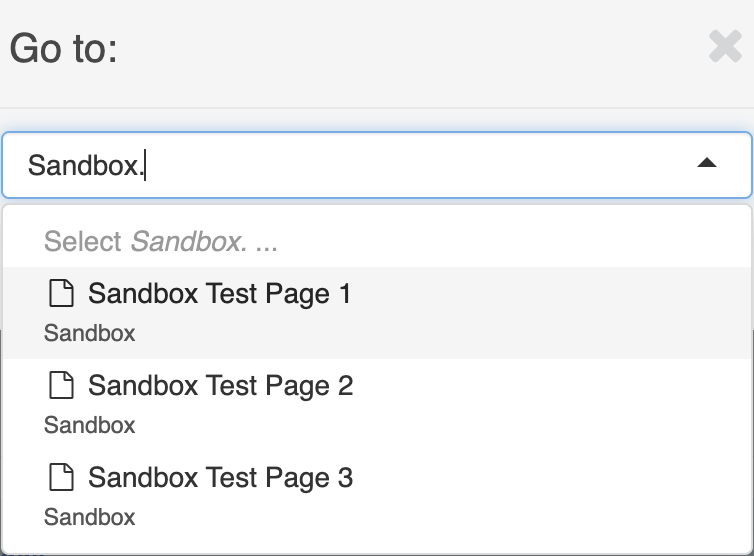
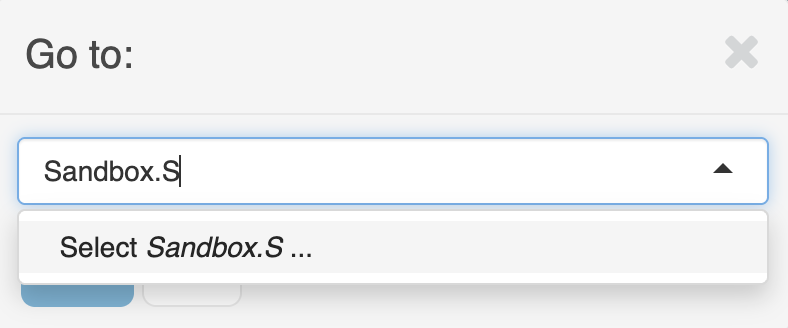
When I open up the goto-search with Ctrl + G I expect some results while typing “Sandbox.S” as their are children in ‘Sandbox’ starting with ‘Sandbox’.
I see those children when typing “Sandbox.”:
But when adding the next “S” there are not results anymore:
I tried this at our wiki 17.4.4 and your snippet wiki too.
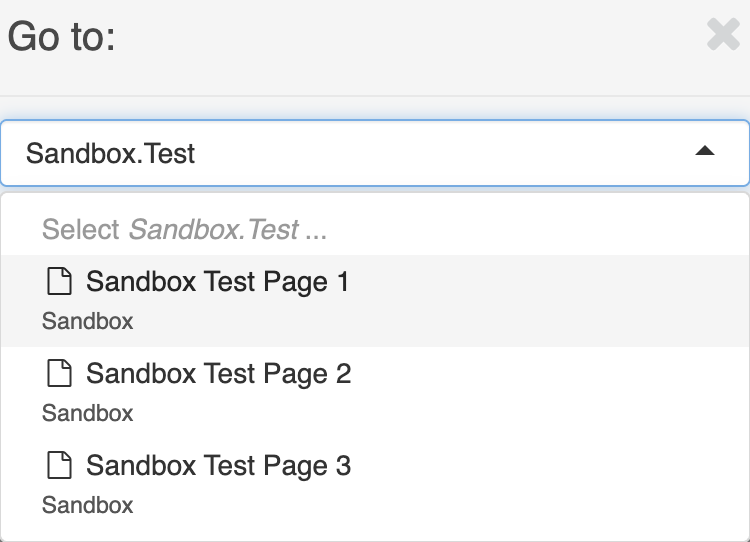
Placeholder says “Path.to.Page“. Ok trying “Sandbox.Test” is working.
As this is the path I can see under information tab at page reference.
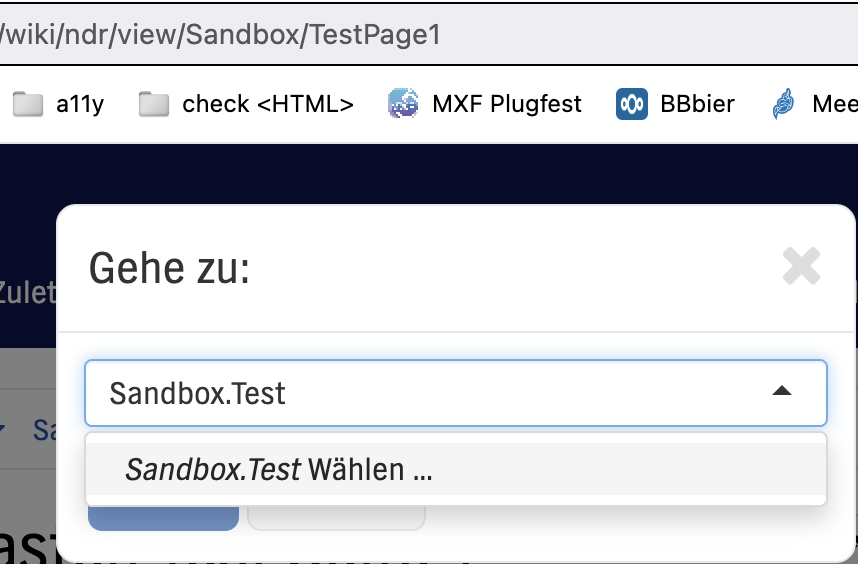
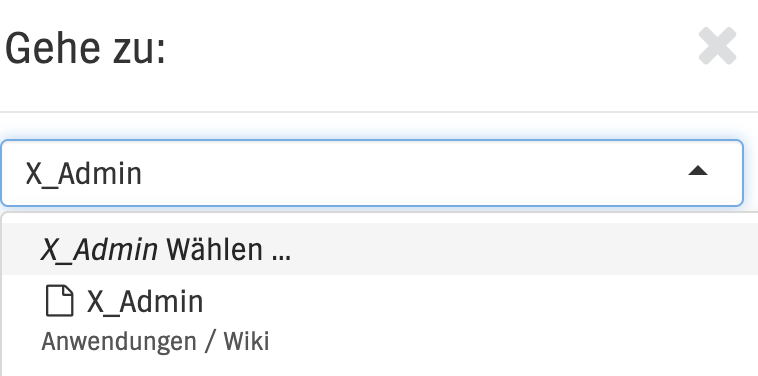
But the weird thing is that typing the reference isn’t working in our wiki. Same example:
It’s not always easy to remember the reference to a page. But sometimes it finds page title:
I can assure that there is no reference including “x_admin”. Reference has “admin” only.
So what is the magic with this search box?
I doubt there is any other brief clarification from Michael on this topic. Please note, that this search may affect performance on large instances.
Hi everyone,
page pickers like the one used in the Ctrl + G popup or macro parameters like the included page in the include macro are currently based on the search REST API /wikis/{wikiName}/search. This REST API performs a query that contains the where-clause upper(doc.name) like :keywords where :keywords is set to %USER_INPUT%, where USER_INPUT is the input of the user. From what I understand from @lucaa for example, it is important for her and maybe also for other users that this query reall…
mflorea
September 29, 2025, 7:48am
3
The search matches the page title / name, e.g. “Sandbox Test Page 1”, or the page reference, e.g. Sandbox.TestPage1. “Sandbox.S” is not included in the page name and neither in the page reference so it’s normal that you don’t get any results.