ello,
I would like to integrate a custom page that I created using HTML, CSS and JavaScript into XWiki.
Is it possible to do ?
Thanks for any help,
ello,
I would like to integrate a custom page that I created using HTML, CSS and JavaScript into XWiki.
Is it possible to do ?
Thanks for any help,
Hi Olivier,
The easiest way to test your HTML page in XWiki is to create a new XWiki page and place your entire code inside an HTML macro. It should work right away.
If you want to make it properly aligned with XWiki best practices, keep only the HTML inside the macro. Then open Edit → Objects and add two objects to the page:
a StyleSheetExtension for your CSS
a JavaScriptExtension for your JS code
This keeps your custom page clean, maintainable, and upgrade‑safe.
Check this tutorial:https://www.xwiki.org/xwiki/bin/view/Documentation/DevGuide/Tutorials/SkinExtensionsTutorial/
Hope it helps,
Alex
Hi Alex,
Thanks for the tips and the link! It’s much clearer now, and I’ve already separated my clean HTML, CSS, and JS code to follow these best practices.
However, I cannot see the Edit → Objects menu on my end.
Maybe I might be missing the required permissions ?
Thank for your help,
Olivier
It’s not a right thing.
You can switch to “Advanced” type in your user preferences, which will add to the UI various advanced stuff (like choosing the editor to use). See https://www.xwiki.org/xwiki/bin/view/documentation/xs/user/base/page/edit-page/simple-advanced/ for more details.
Thank you for pointing out the “Advanced” setting, that’s exactly what I needed.
By the way, my JSON block is becoming very large. Could you let me know how I might go about hosting or placing this JSON in a specific page instead of keeping it in the main block?
Thanks again!
You can have another page “MyJSON.WebHome” and simply add the JSON block in the page content. Then you can retrieve it like this:
{{velocity}}
#set ($myJSONDoc = $xwiki.getDocument(‘MyJSON.WebHome’))
#set ($myJSONBlock = $jsonConfigDoc.content)
{{/velocity}}
Thank you i will try tomorrow 
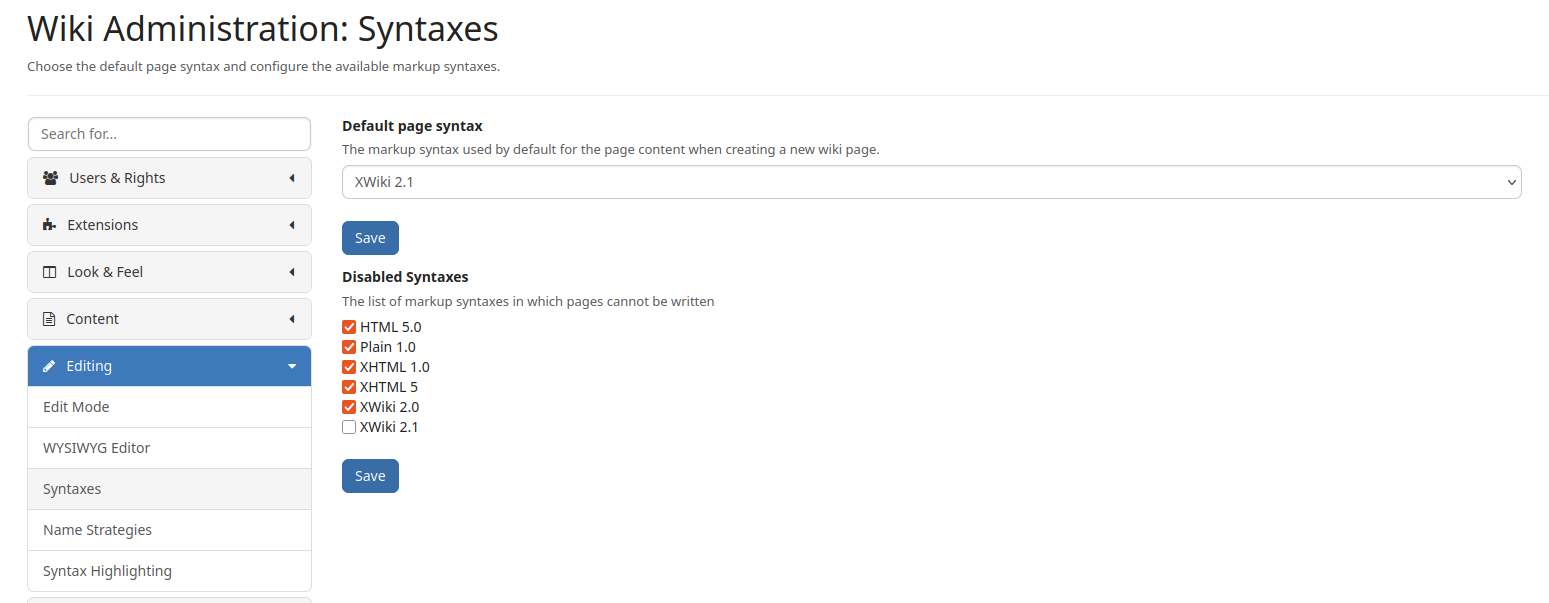
Note: I would recommend setting plain/1.0 as syntax of that other document so that the JSON content is not interpreted as wiki syntax.
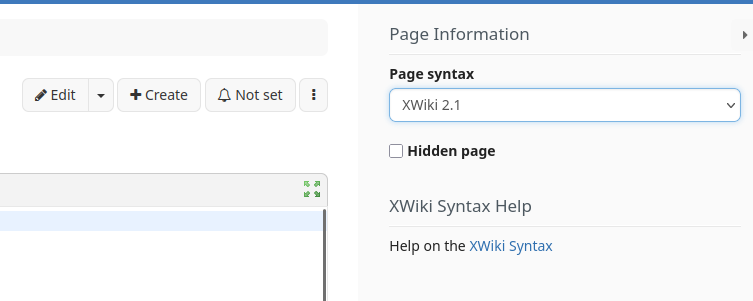
Thanks, I don’t see where i can set plain/1.0. I have an other problem, my json is quite heavy it says when i click on save : “failed to save the page. Reason : Server not responding”. I tried to change the police (Formatted) but it does not work.
I do not have admin rights unfortunately(
The enabling @acotiuga mentioned is actually just to list it in the UI (to avoid noise for basic users), but at worst, it’s possible to set the syntax you want using a script similar to:
{{velocity}}
#set ($jsonDocument = $xwiki.getDocument('My.JSON.Document'))
$jsonDocument.setSyntax('plain/1.0')
$jsonDocument.save('Set syntax')
{{/velocity}}