I want that when a Miro frame/board is inserted in the page, all users who have minimum view right to that page should be able to view the board/frame, zoom in and out, etc. regardless of their access rights in MIRO. Any changes later in the MIRO board should reflect in this XWiki page as well (most likely in real-time).
As Thomas said, this can be achieved through the HTML macro.
I just tried it out, and it works flawlessly, here’s a little video demo: https://i.imgur.com/yyrX4lv.mp4
The instructions are as follows: In Miro
Open the board you want to share
Click on the export icon in the top left (to the right of the 3 dots menu)
Click on “Embed” (make sure that “Anyone with the link” is set to “viewer”)
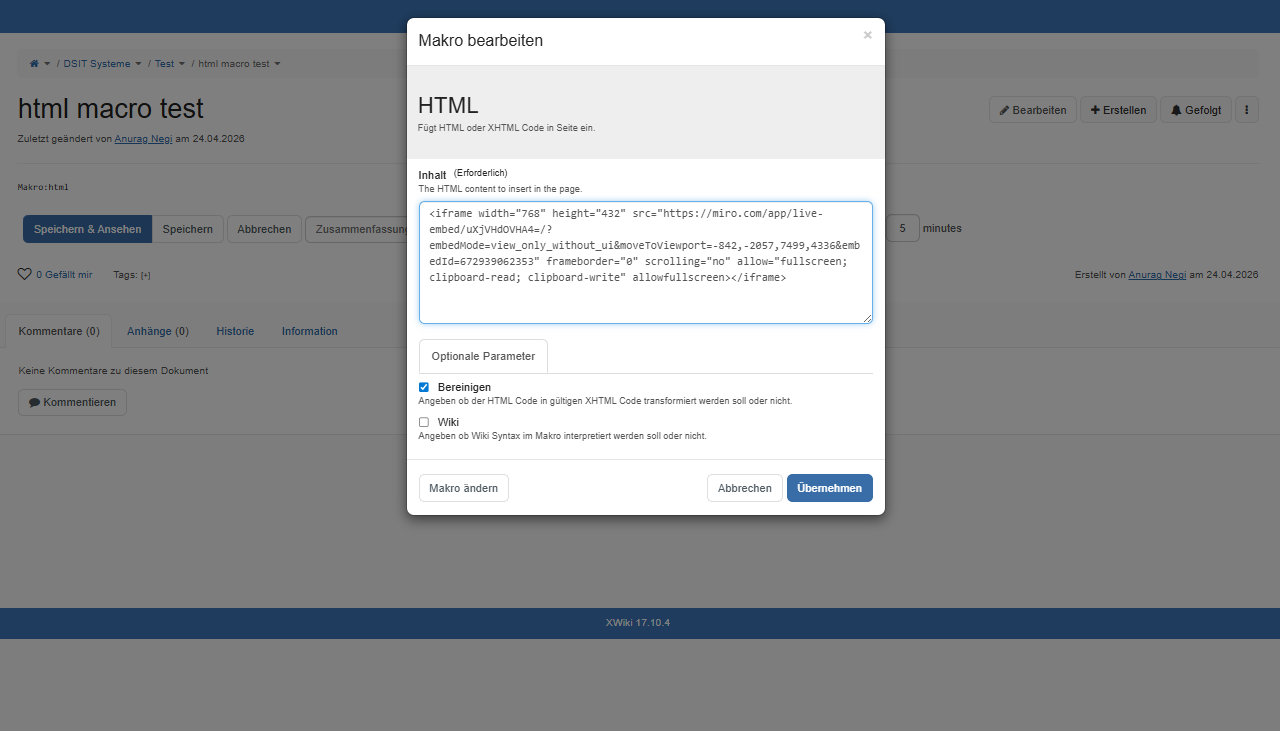
Click on “Copy code”
In XWiki
Go to the page you want to insert the board in
Edit the page
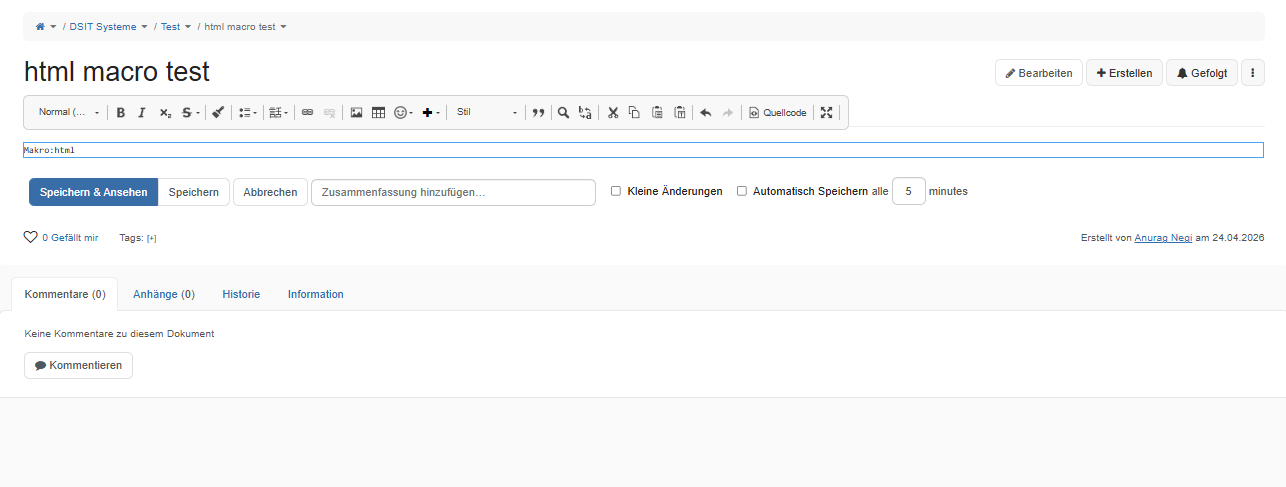
Add an HTML macro to the page
Paste what you copied from Miro into the HTML Macro
Save the page
Now every user that visits the page will now be able to look at the Miro Board, pan around, zoom in and out, and see changes live.
(It took more for me to find a way to add the video to the forum reply than it took for me to get Miro to work inside xwiki )
It could be some firewall config on the production server. You could check by opening the browser dev tools (right click + inspect), then going to the “Network” tab, and reloading the page.
If you see any blocked requests that are supposed to go to miro.com, or mirostatic.com, then that’s probably the issue, and you’ll have to talk to the production instance administrator to unblock those domains.
It could also be that you don’t have programming rights on the production instance. Programming rights are necessary to add iframes, scripts and some other HTML elements which are considered “dangerous”.
If this is the root of the issue, you could ask an admin, or someone with programming rights to re-save the page. Granted, it may be a bit annoying to have to do that every time you make a change to the page.
Unfortunately not, as far as I know. At least not at this time.
However, as a workaround, you could try having a page with just the Miro board (made by someone with programming rights), and using the Include Macro to add it to other pages.
I haven’t personally tried this approach, so I’m not 100% sure if it would work, or if there are rights related limitations with this extension as well.

 )
)
 This was because of the user rights!