Some updates:
tkrieck:
Toolbar
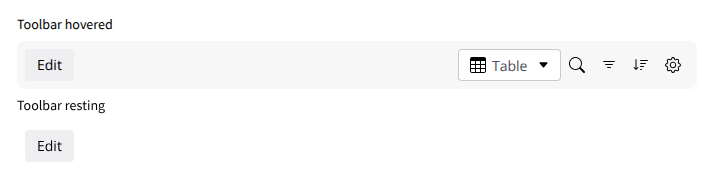
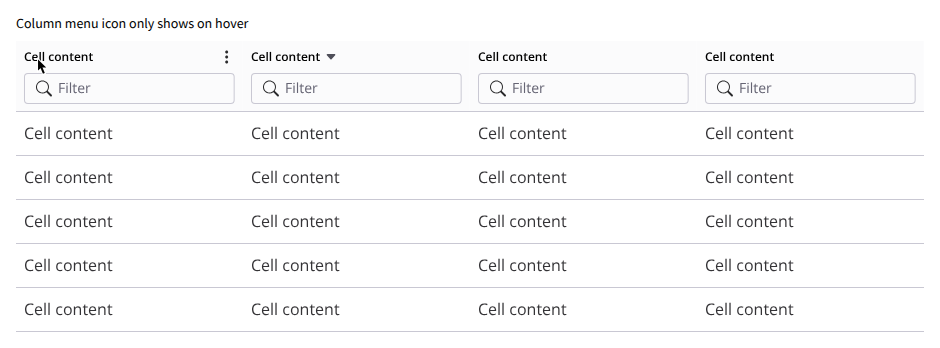
As suggested by @vmassol , to keep the default view clean, the global toolbar and column filters can be configured to appear only on hover. I’ll also add a clear visual indicator for the column menu to separate it from the filter input.
tkrieck:
Inline Editing
Introduce an explicit “Edit Mode” triggered from the Toolbar to avoid click conflicts, complete with keyboard navigation and global save/cancel buttons. To address @mleduc ’s point regarding rich text, I’ll try to use a floating WYSIWYG toolbar so we don’t disturb the rest of the table content, this should be tested during implementation AFAIK to check if it works well.
I’ve chosen to keep the edit button visible to make the feature discoverable.
The column header is a bit more complicated, as we need to reserve space for the filters. If we don’t, the column will change height to accommodate the filters on hover. The menu icon, however, can be shown only on hover without any issues.
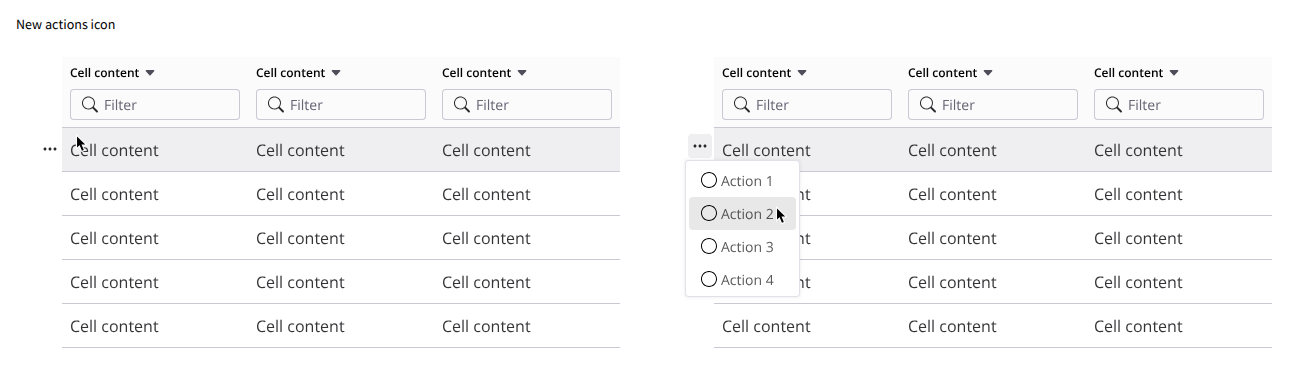
I’ve changed the icon to the horizontal variation to try reduce the ambiguity with drag-and-drop.
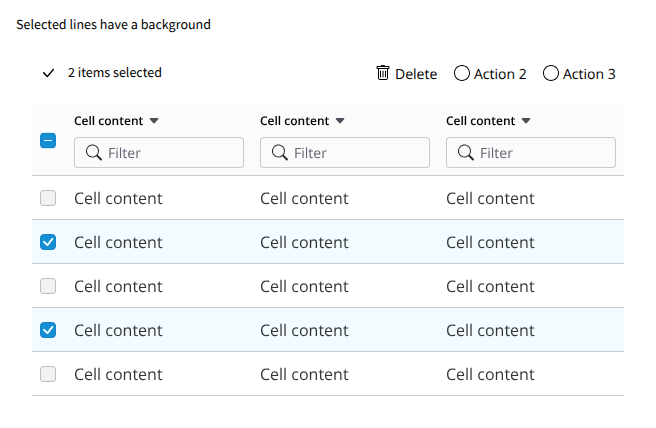
Here’s a slight change in the background color for selected lines.