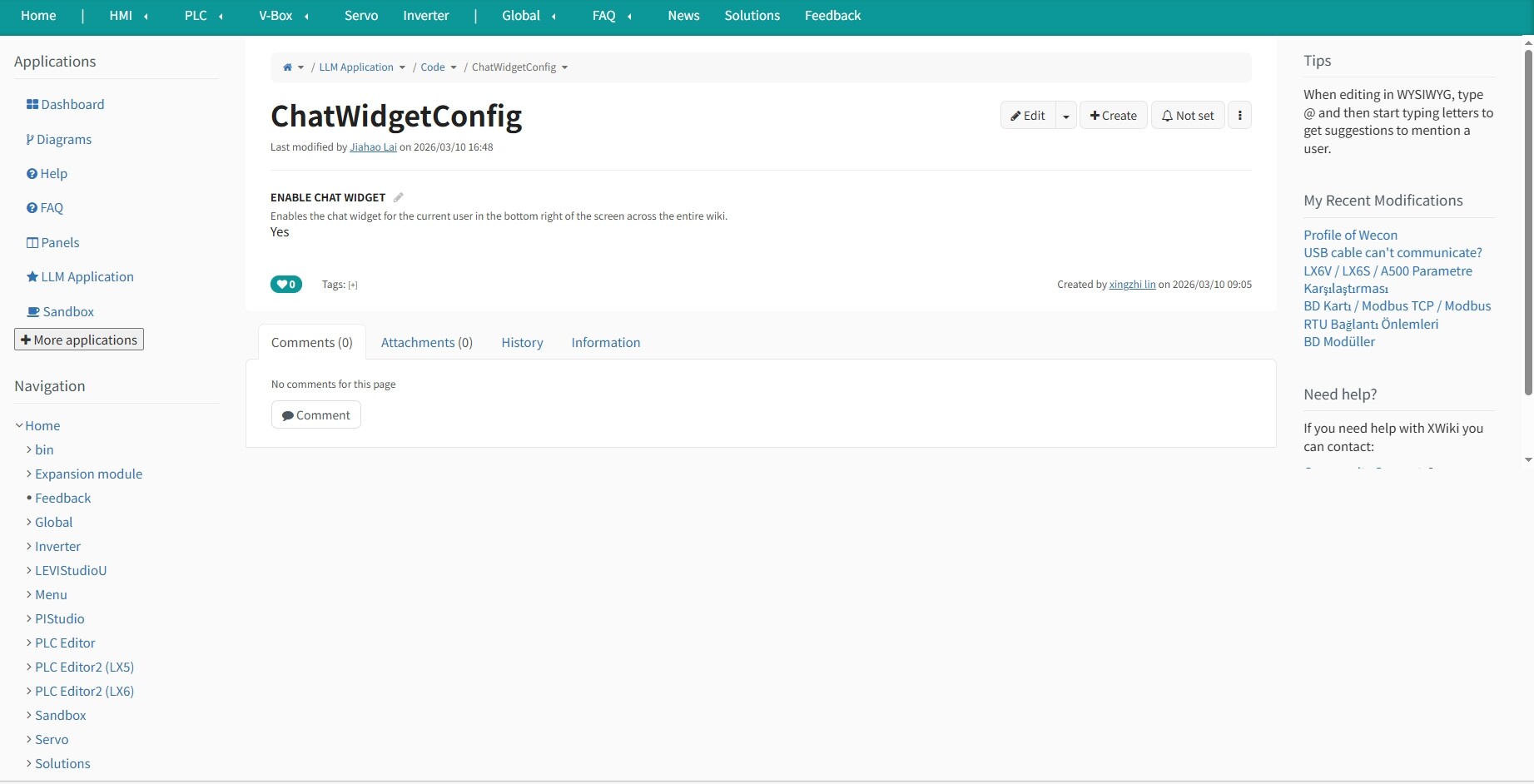
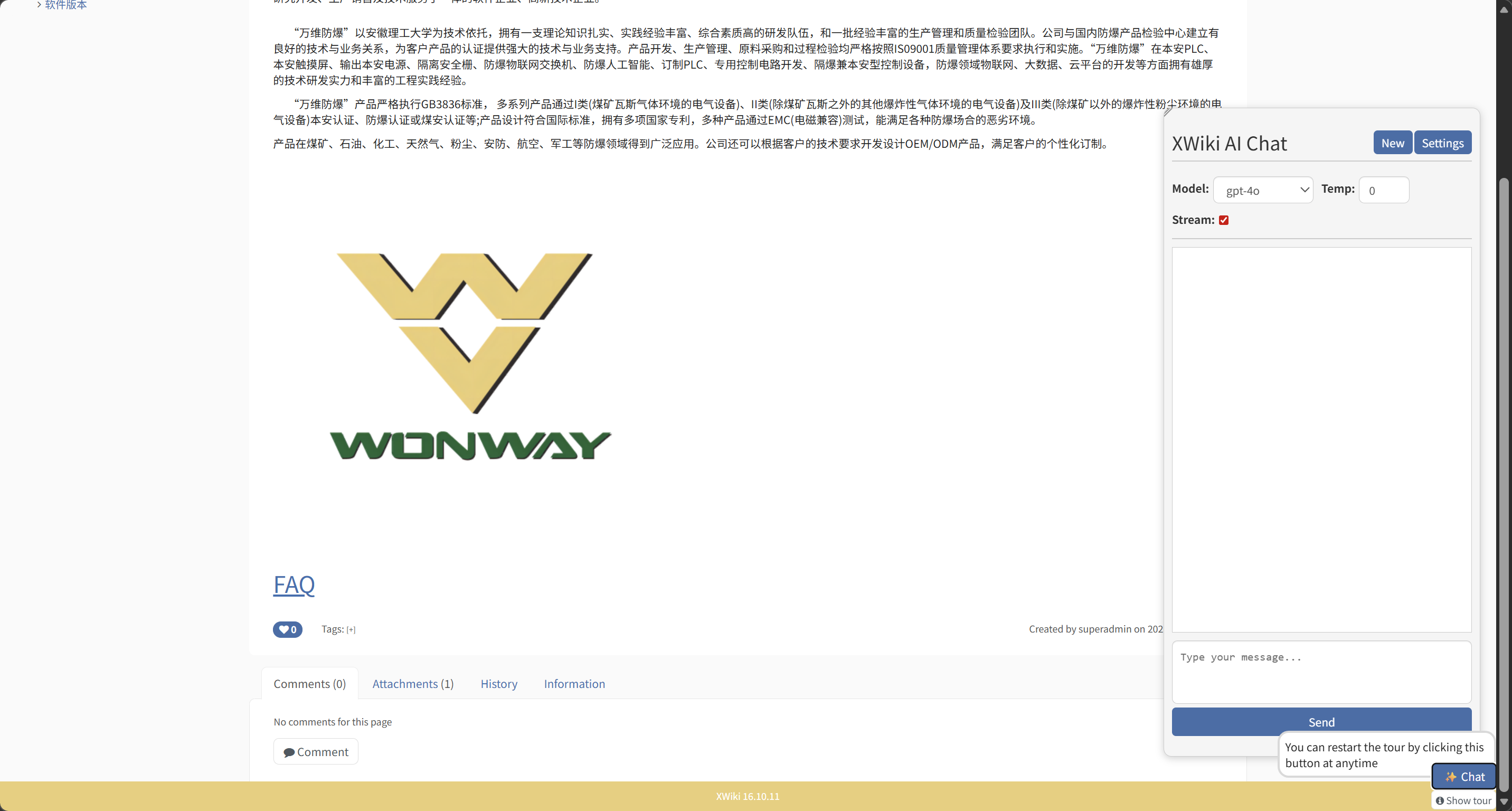
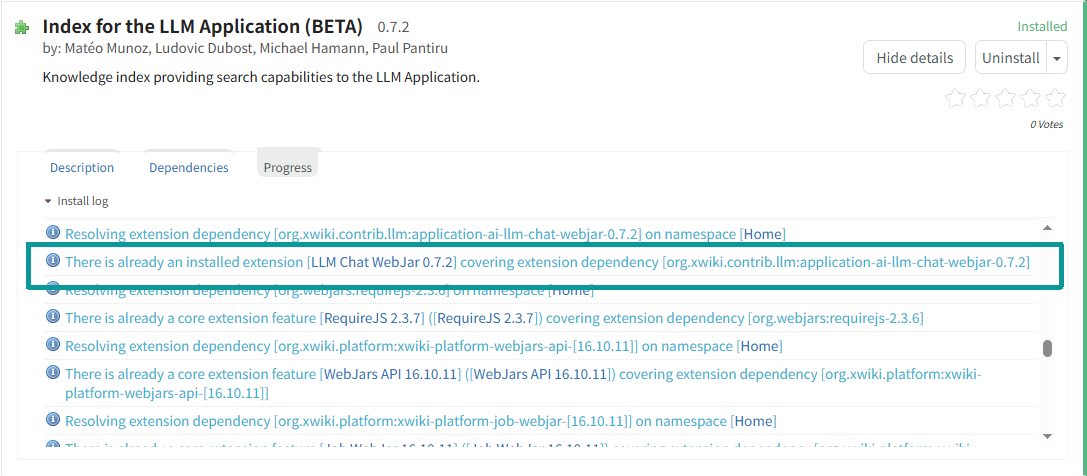
I installed the “Index for the LLM Application” extension on my main wiki; however, the chat window does not appear in the bottom-right corner of the page, even though it displays correctly on my sub-wiki.
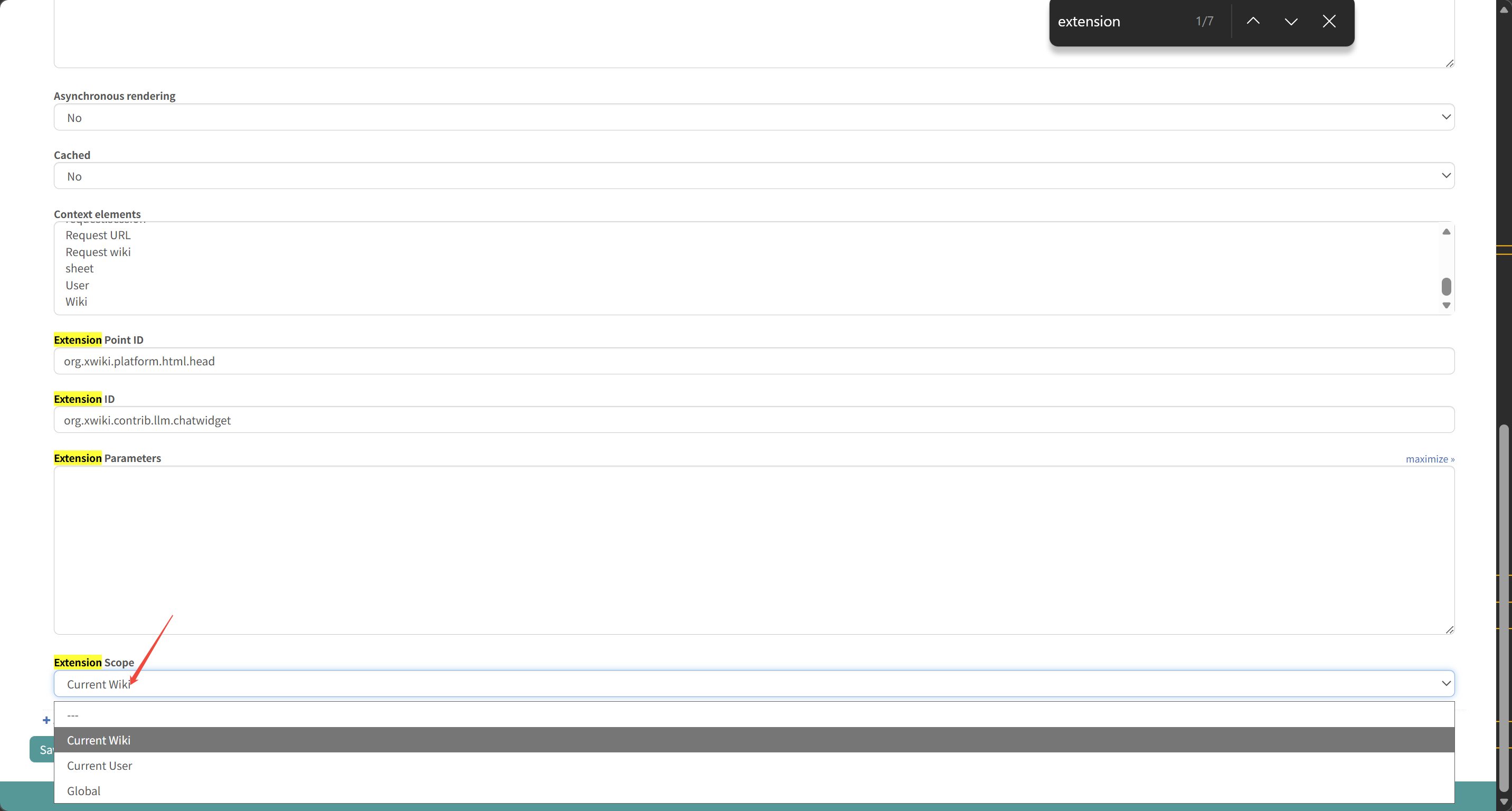
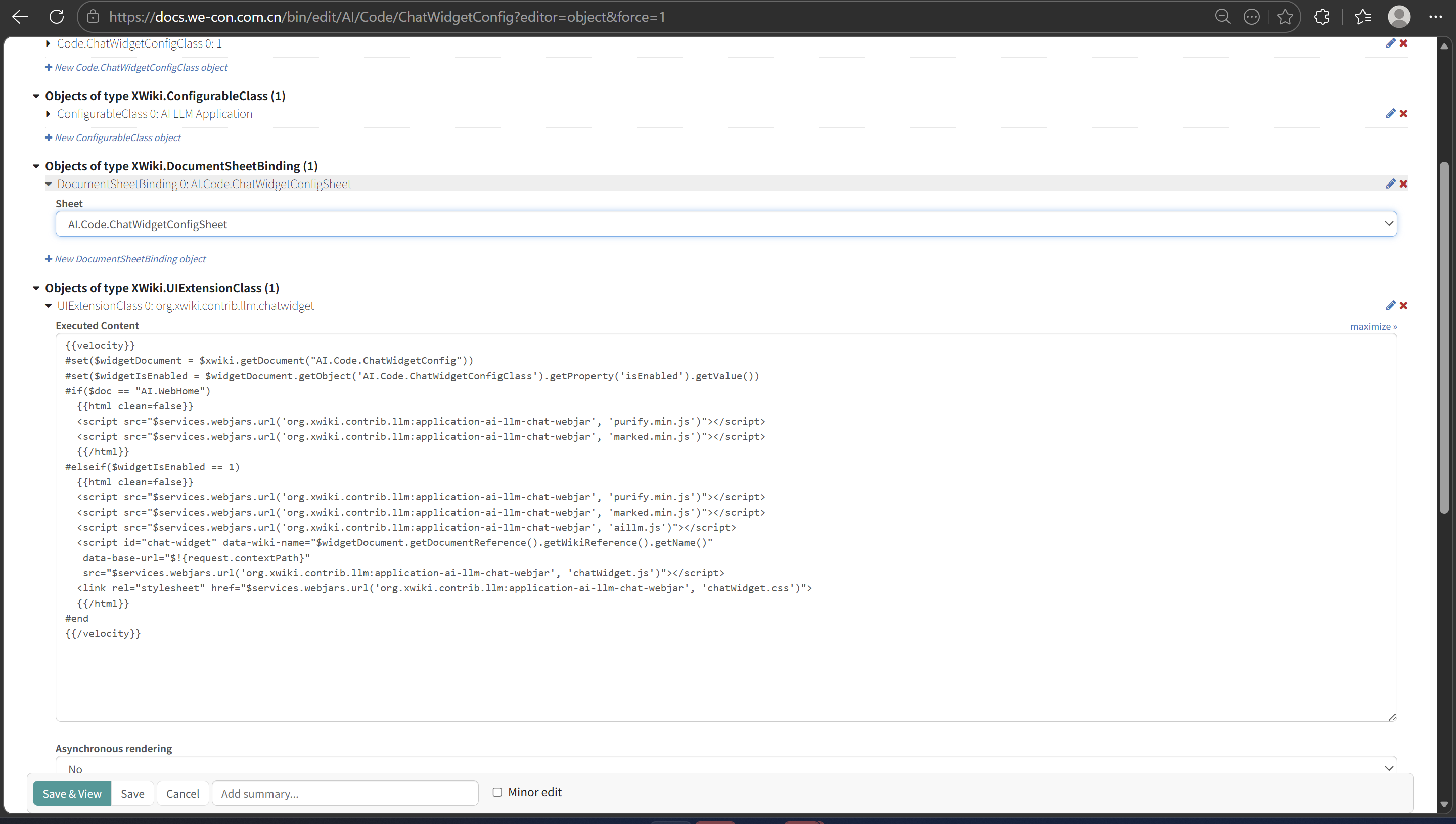
I referred to this issue to make the modifications, but the result remains the same.Can anyone tell me where the problem lies?
Thank you for the detailed question.
I don’t know this set of extensions well, so I’m not 100% sure in my answer.
I assumed you installed more than the “Index for the LLM Application” on your secondary subwiki.
Don’t you need ALL the LLM application installed on your main wiki to have the chat window displayed? From a quick look, I think you’d need at least https://extensions.xwiki.org/xwiki/bin/view/Extension/LLM/LLM%20Chat%20WebJar/ to be installed on your main wiki. Installation of extensions can be limited to some subwikis. Your main wiki is just the first (default) subwiki so it might not have access to all the extensions installed across subwikis.
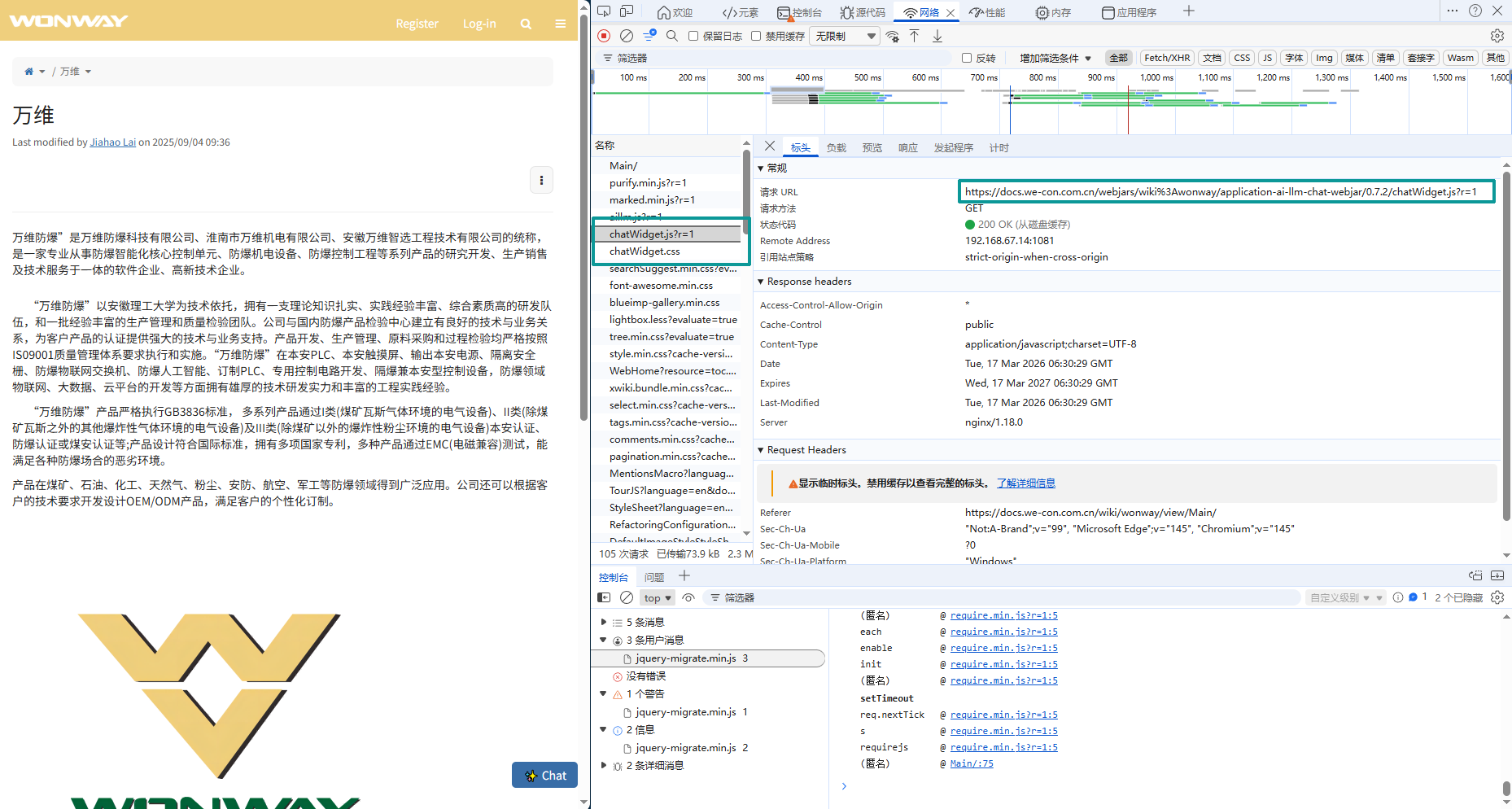
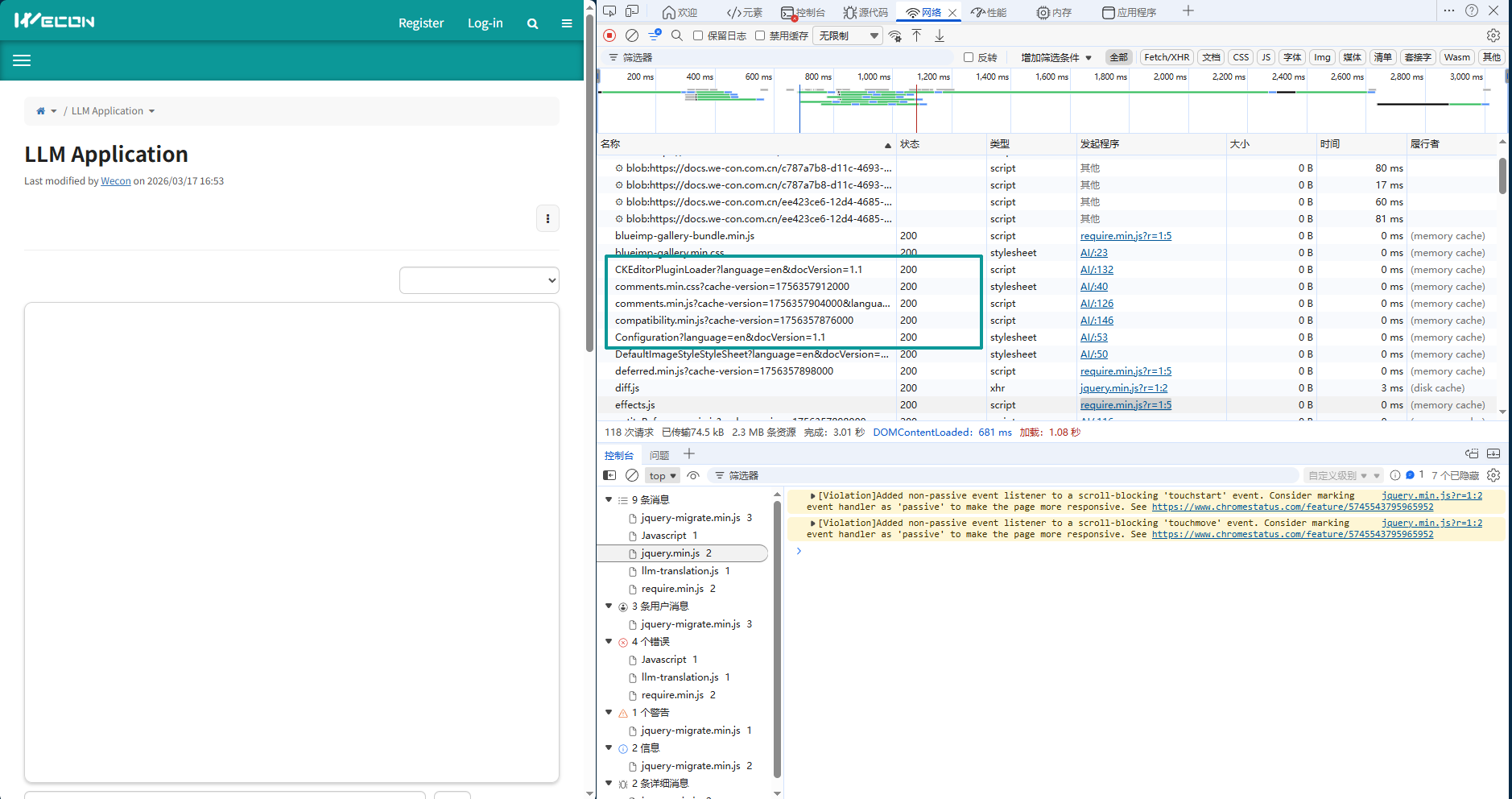
Hi, I noticed that this resource loads on the sub-wiki but not on the main wiki. Could this be the cause of the issue? Is there any way to resolve this?