To save some space and some hassle with PDF exports, I decided to put a Table of Contents macro into the sidebar as described in this posting.
This works quite nice, aside from the fact that the TOC does not refresh after saving chances with the in-place WYSIWYG editor. I still have to manually reload the page to have the TOC reflect my changes to the heading structure. Our users might find that irritating, however.
What would be the least-effort approach to have the TOC macro react to page changes?
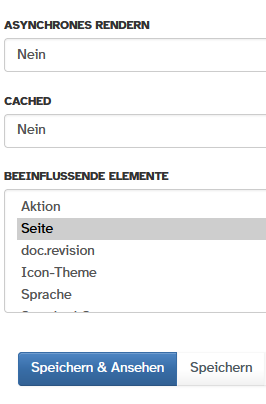
The Panel settings are as follows:
Can I use async rendering and trigger a refresh rendering on editor save events with some JSX maybe?
I think you just need to have a wiki page generating the html content of the panel and then with JavaScript , when you receive the event, you do a query to render that page’s html and then update the DOM of the panel.