Restricting the search to permitted areas

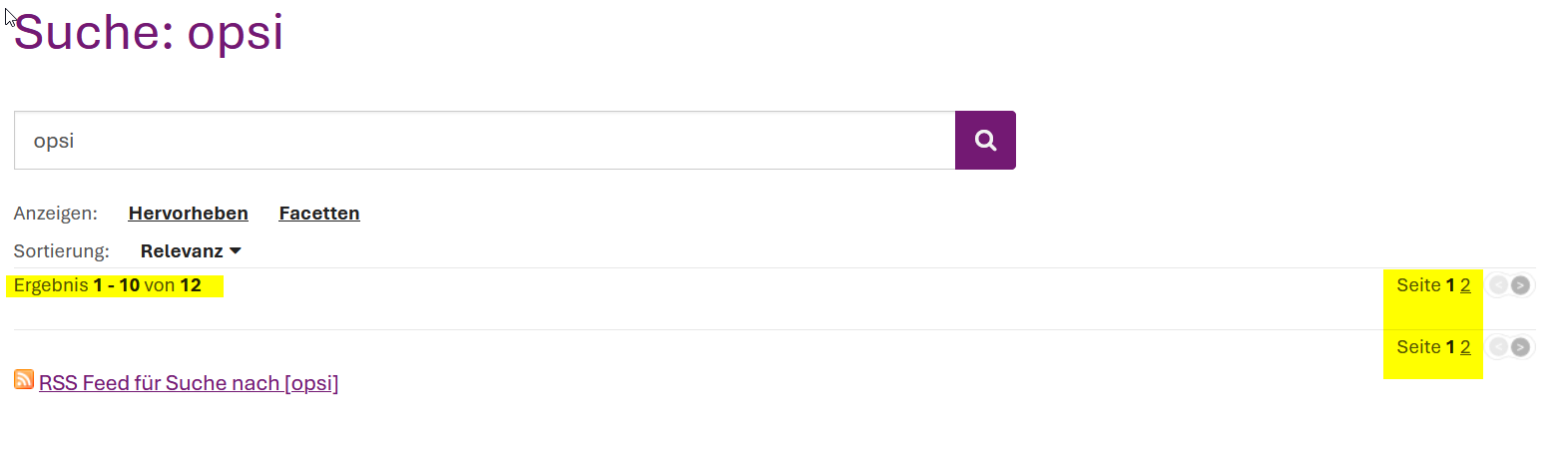
When a search term is entered in the search box, the search results can be filtered by the specific area to be searched.

We have areas in our system that not all users can access (e.g., “internal”).

Unfortunately, the filter currently also displays areas that are hidden from a user. If you click on these areas, the content is empty.

How can we configure the search bar or search filter so that areas a user does not have access to are hidden?

Thank you and best regards

Roland

See XWIKI-13089, it also mentions a possible workaround in the comments.

1 Like

Thanx a lot Michael.

While reading the Solr-Search-Docs I stumbled about the exclusion-chapter ( Solr Search Application (XWiki.org)). Is it also possible just to exclude the “secret” areas?

We can filter on the highest level. :wink:

Yes, you can configure exclusions in the search administration. But this will be for all users. If you don’t mind touching the code (possibly leading to conflicts during upgrades), you could also add the excludes in a filterQuery in Main.SolrSearchConfig if the current user doesn’t have access to them.
1 Like