Hi everyone,
XWiki provides a Print Preview mode that users can access with a link from the More Actions menu. At the same time, web browsers provide a Print Preview modal, usually accessible with the Ctrl + P shortcut key.
Question: do you agree that the content should look the same in XWiki’s Print Preview mode and in the browser’s Print Preview modal?
This wasn’t the case before XWiki 14.9:
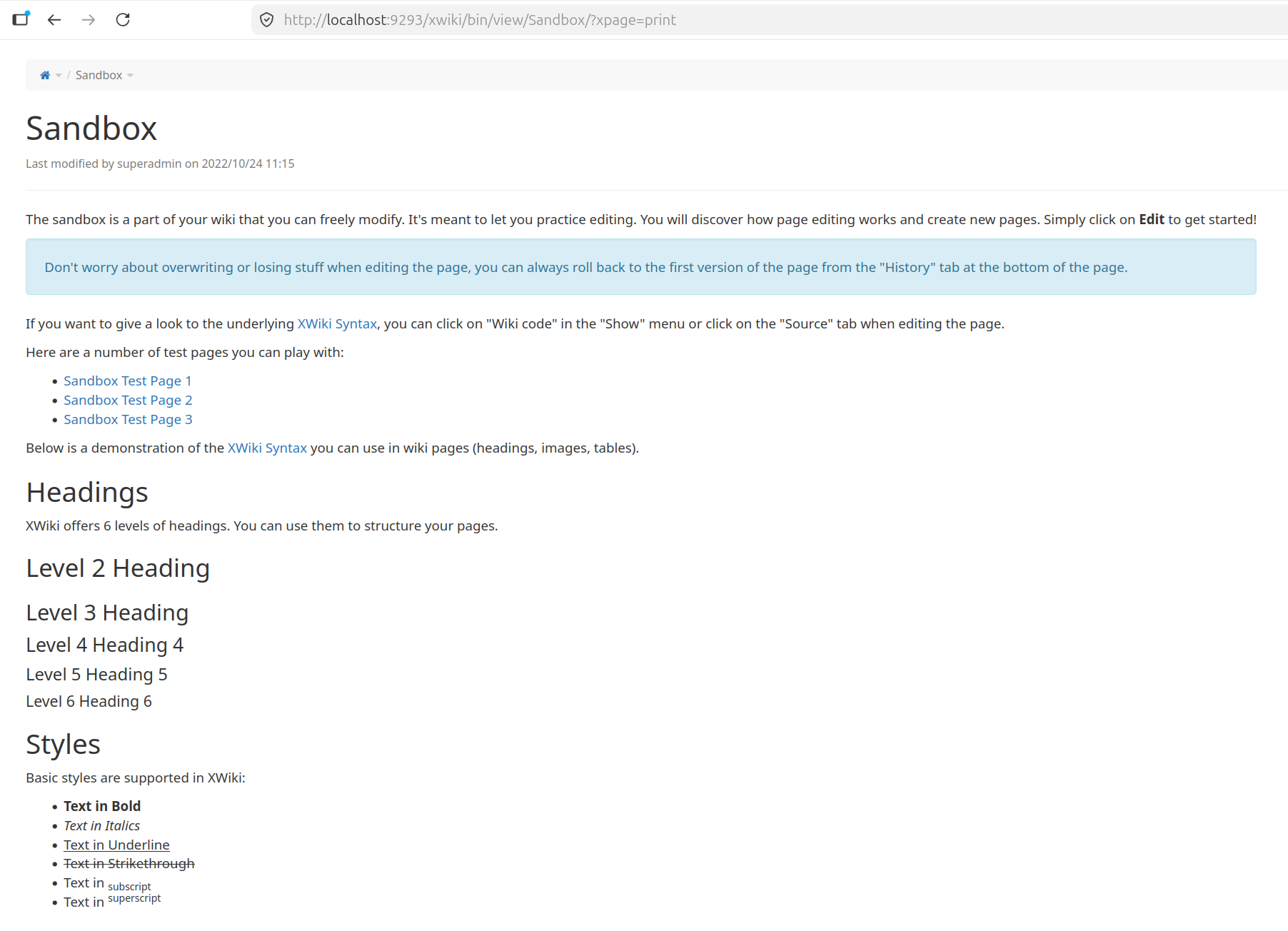
(made for screen media) versus
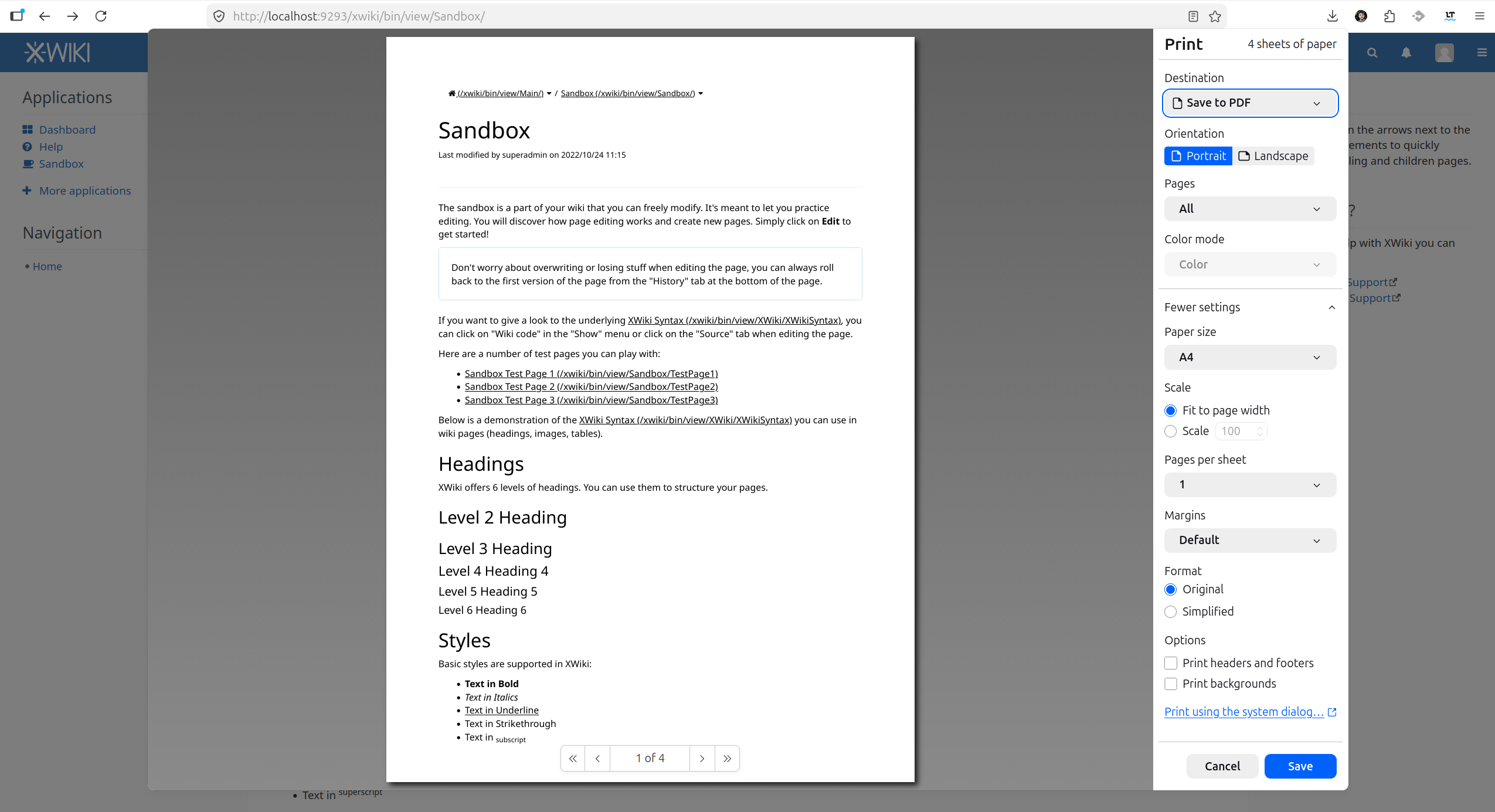
(made for paper media)
I fixed this when working on the new browser-based PDF export (XWIKI-20157), by favoring the paper media (how the content looked in the browser’s Print Preview modal). So now, in 18.5.0 we have:
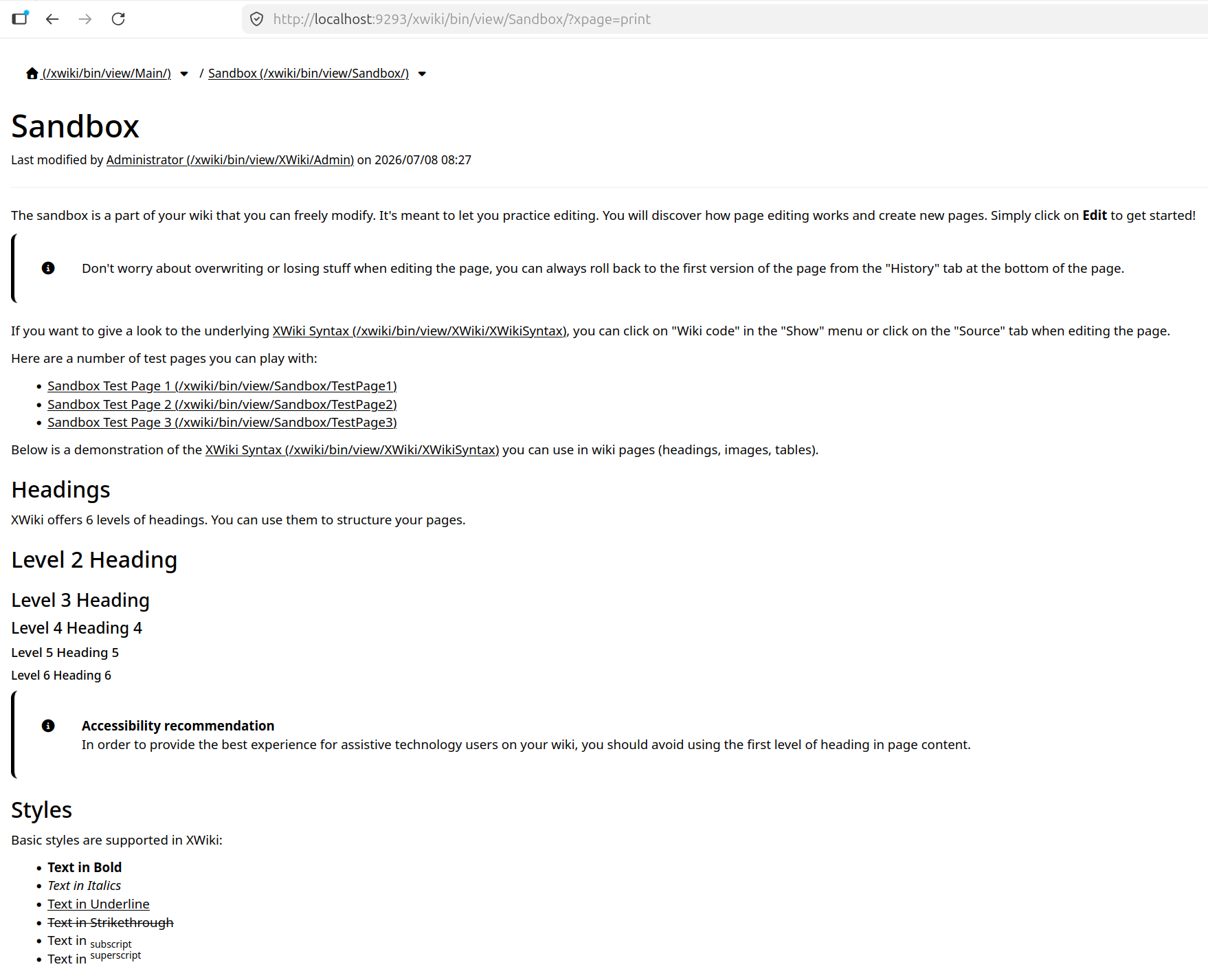
versus
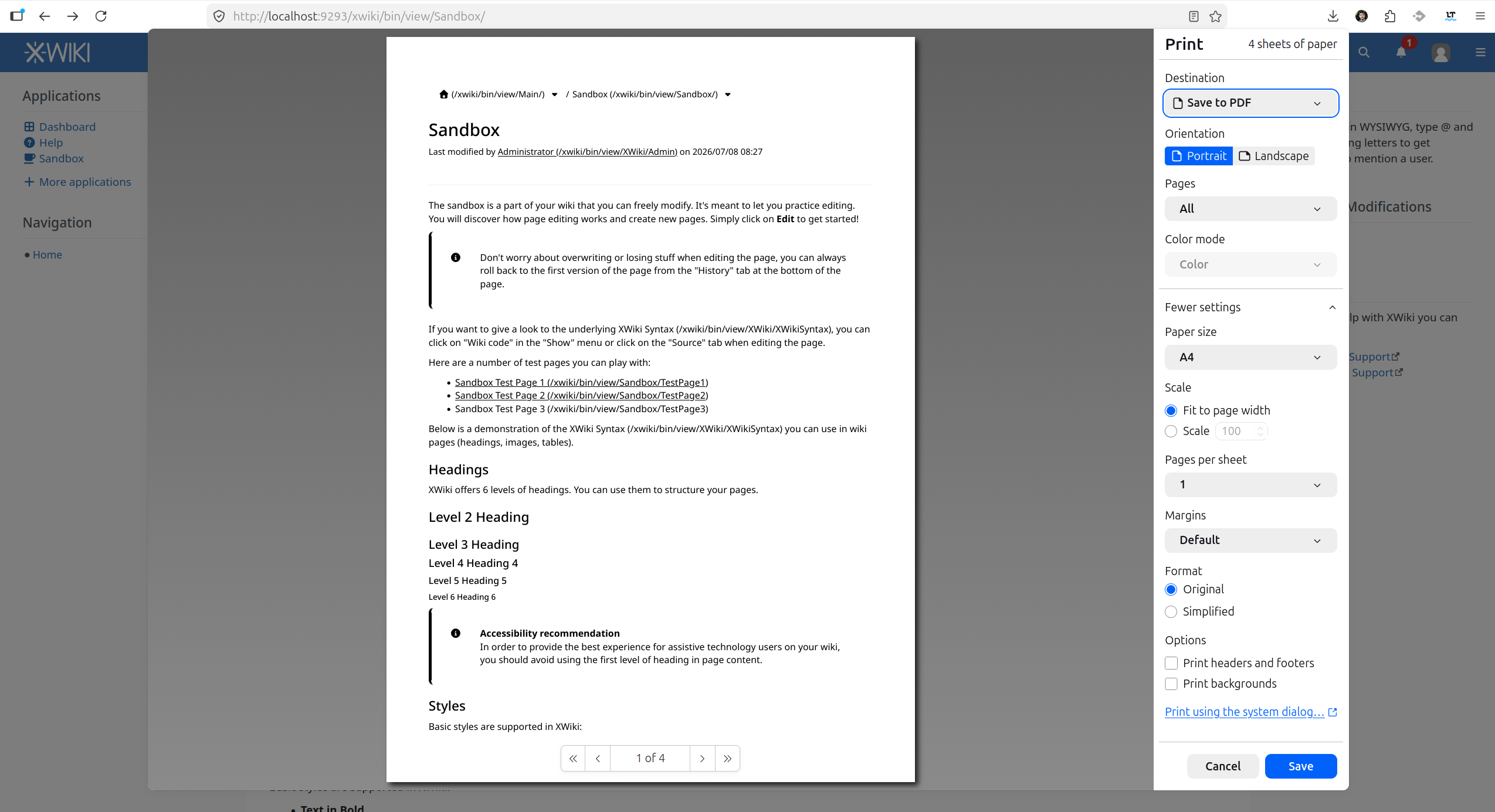
From what I can see both Notion and Confluence favor the screen media when using the browser’s print preview:
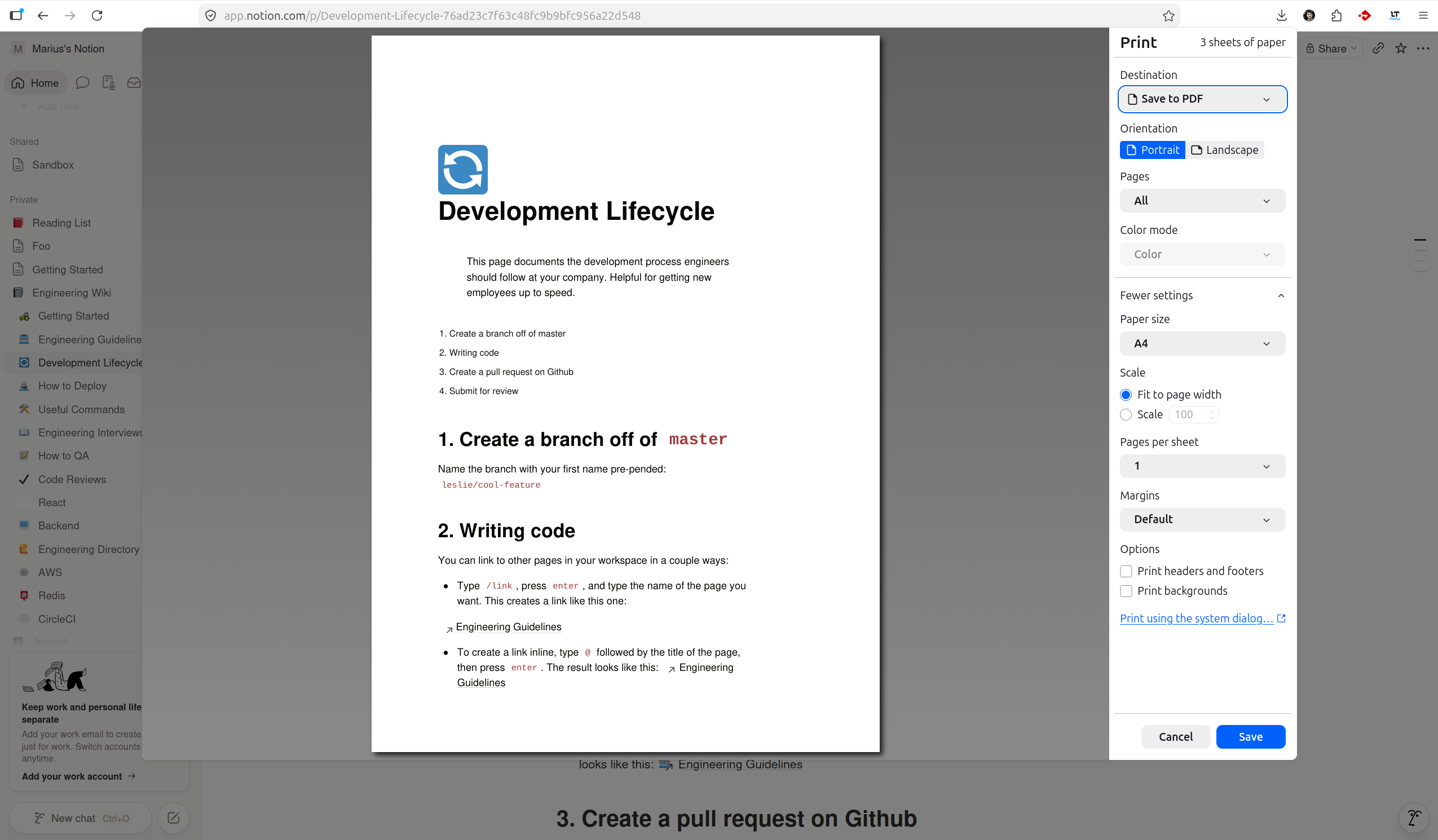
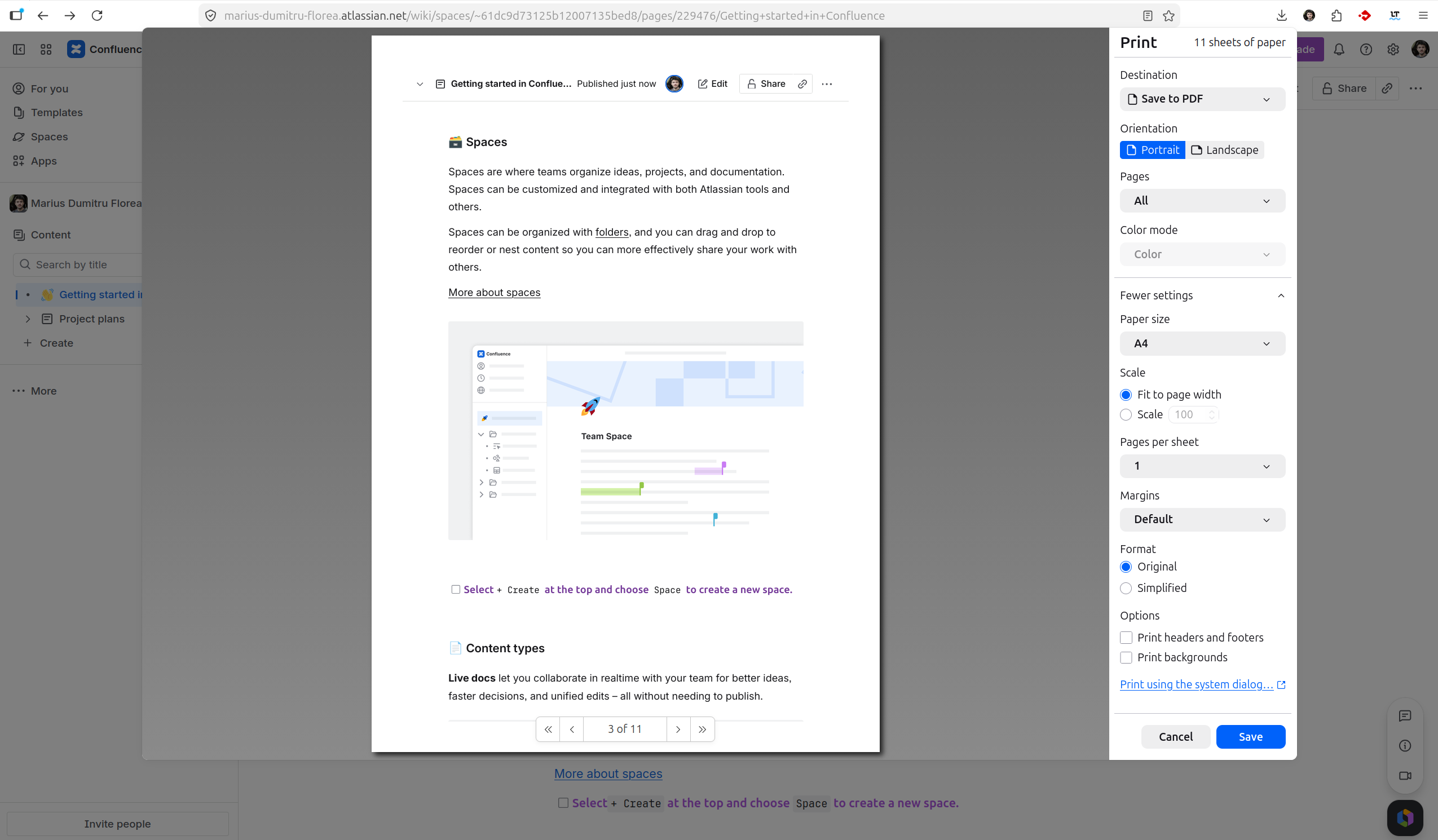
So I propose we do the same and target by default screen paged media rather than paper. Note that those that need to print on paper can still add pagedMedia=paper to the URL query string and then open the print preview.
I started this topic after @ilie.andriuta reported Loading... (which I previously fixed for the Syntax Help in Loading... by forcing the screen media, but it looks like we should better target screen media by default).
Thanks,
Marius