XWiki page visible to all

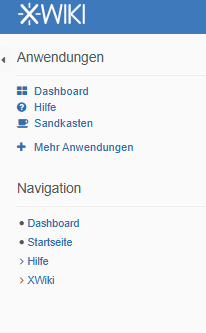
Hi, all the users see XWiki (despite the page being hidden) and Help page (duplicated from applications) on the navigation structure. I don’t want XWiki page to be seen by anyone at all and ‘Help’ can stay in the Applications section only. How can I fix it? Thank you

You need to click the > to open the XWiki page and see what nested pages are in it. It’s likely that there are some pages inside that are not hidden.

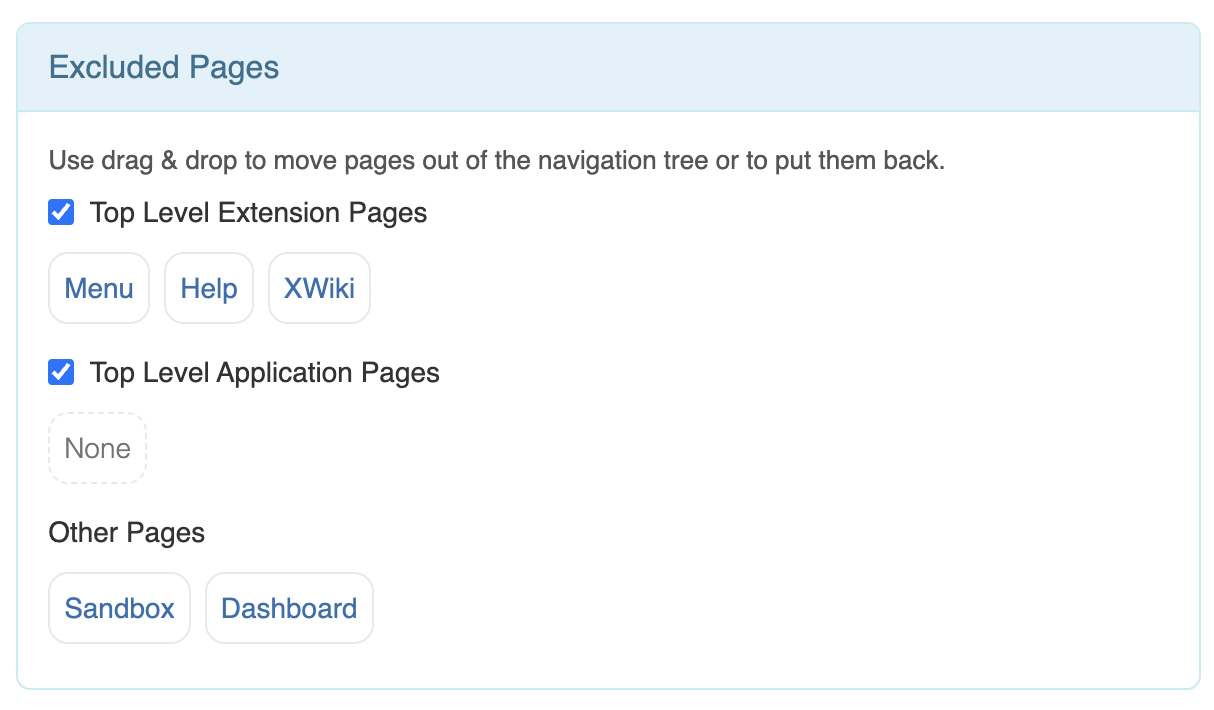
You should also check if the XWiki page is in the “Excludes Pages” in the Admin UI:

Hi, thank you for your reply @vmassol.

  • XWiki page is hidden, and all the other (> 200 pages) are not hidden. Is this expected?

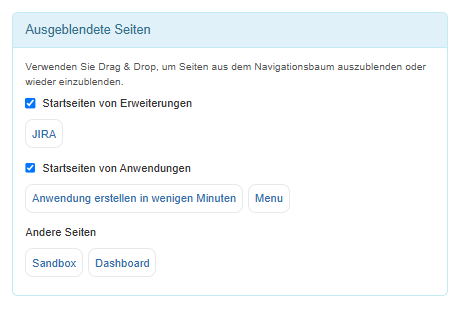
  • My excluded pages look slike this:


    How can i fix it?

This means your navigation panel config has been modified from the default config. Just add the XWiki page to the Excluded Pages list…

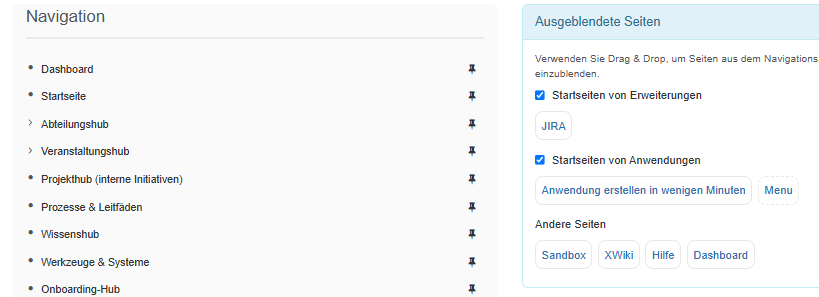
It worked for XWiki and Help page. Thank you very much. However, it doesn’t work for the ‘Dashboard’ page. I tried to add it a couple of times, and saved it, but it just duplicates on this ‘Excluded Pages’ section, and still shows up on the navigation. Do I need to do something else too here?